§ the idea
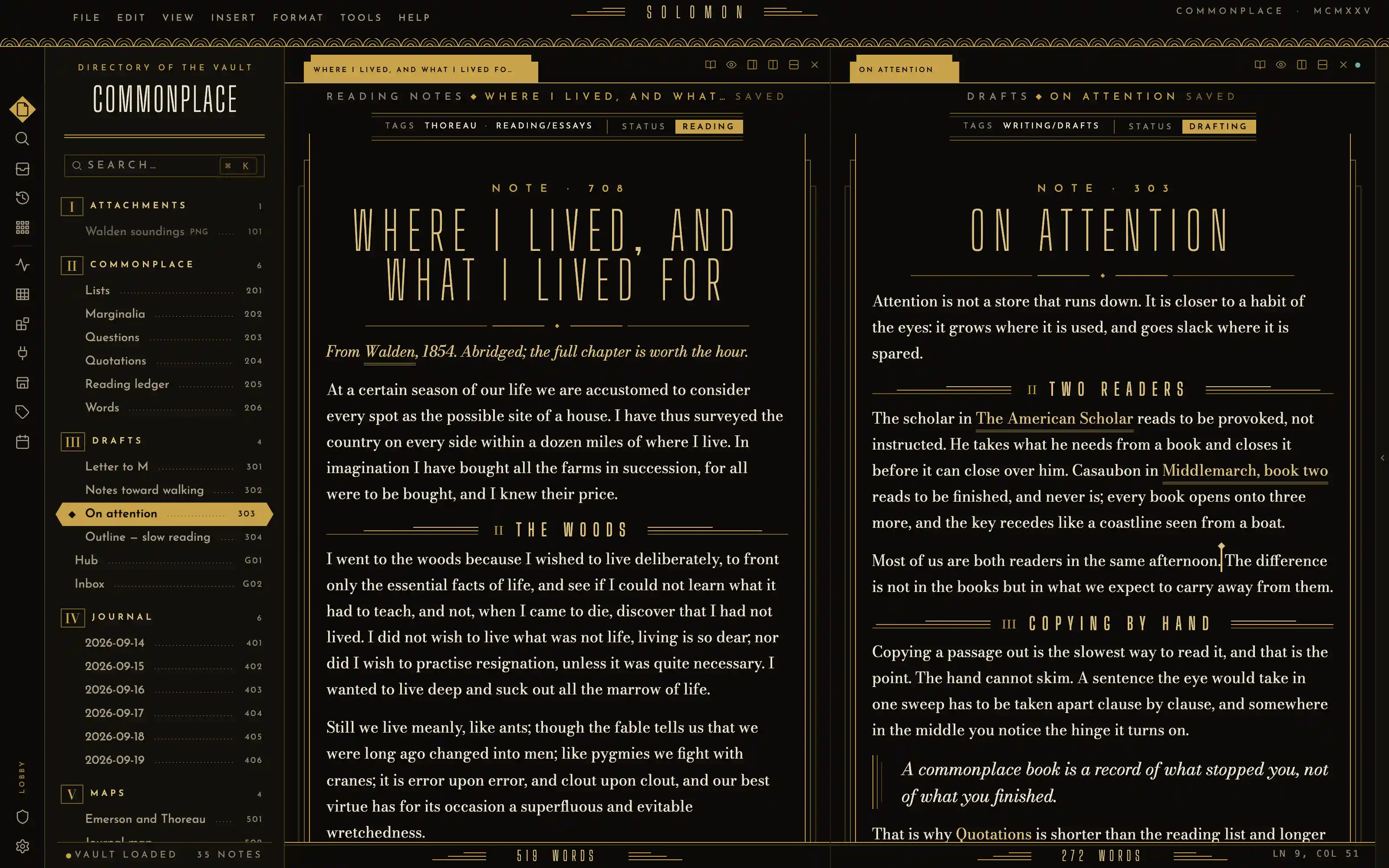
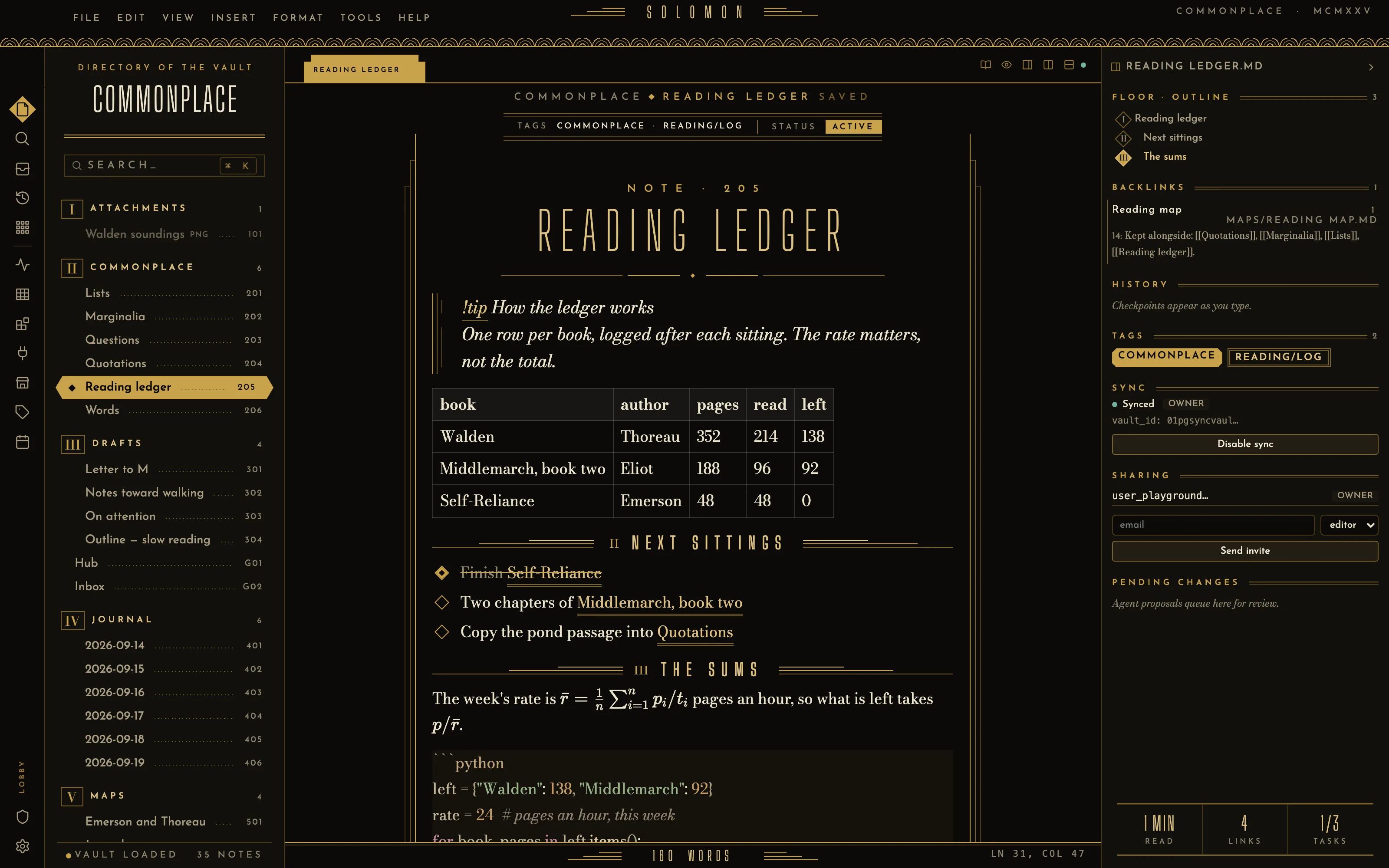
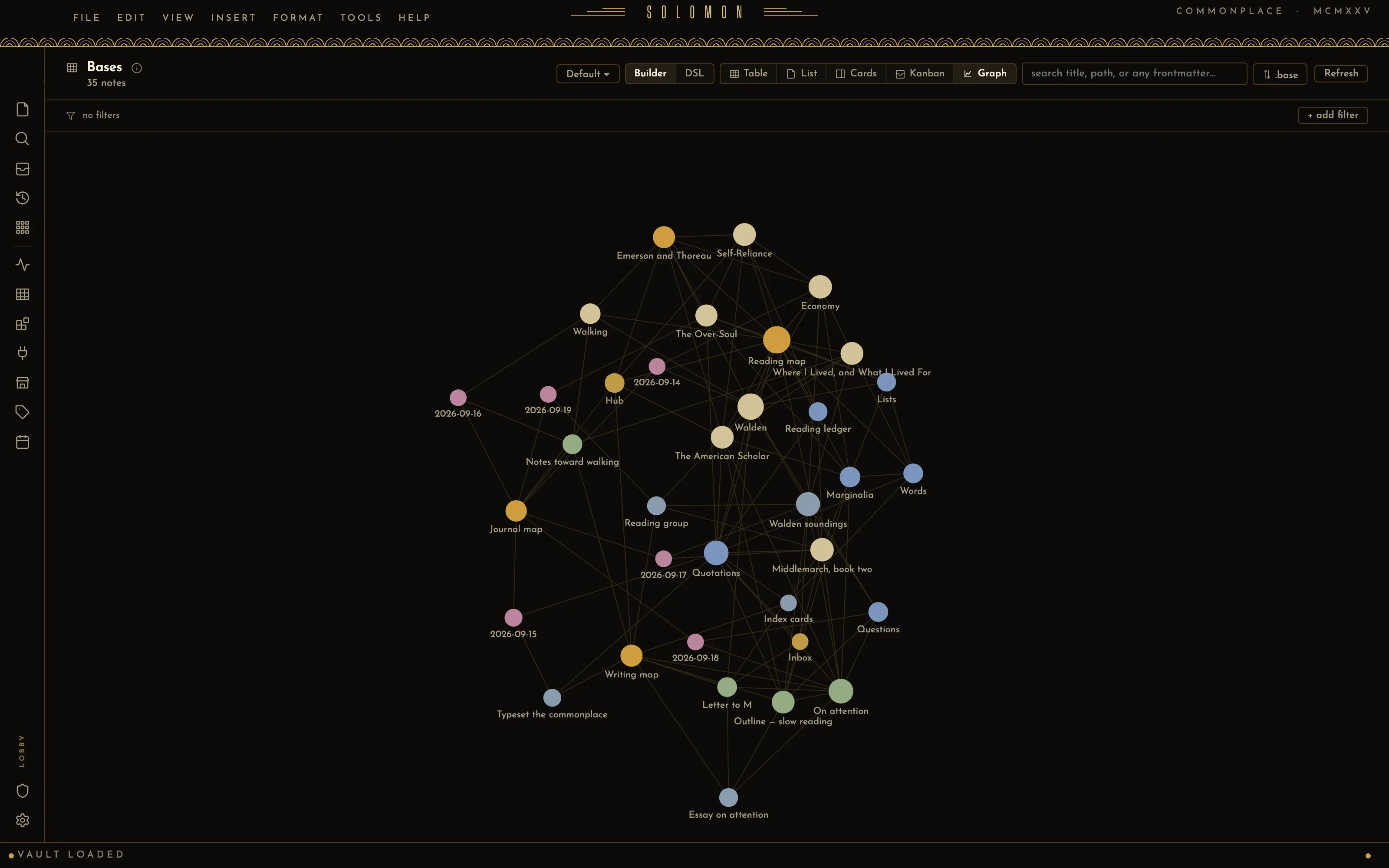
A 1925 lobby directory in black lacquer and brass: the note set in ivory Bodoni between gold setback pilasters, the vault a building of floors and suite numbers, the outline an elevator floor indicator. Every ornament is flat geometry — fan friezes, stepped hairlines, lozenges — with no drawn props.
Install it
- Open the Store from the left rail in Solomon (or press ⌘9) and choose Themes.
- Find Art Deco 1925 and click Install. It lands in your vault’s
Themes/folder. - Choose it under Settings → Appearance. The default look is one click away there too.
Solomon is a free download for macOS. Get the app
- Mode
- Dark only
- Type
- Big Shoulders Display
- Bodoni Moda
- Josefin Sans
- Palette
- Credits
- SIL Open Font License 1.1
This package ships no images. Every ornament in it is geometry drawn in CSS: the fan frieze is one radial-gradient, the setbacks and pilasters are linear-gradient hairlines, the lozenges are rotated squares. Nothing is fetched at runtime; the fonts are bundled under assets/fonts/ and resolved against the theme folder.