§ the idea
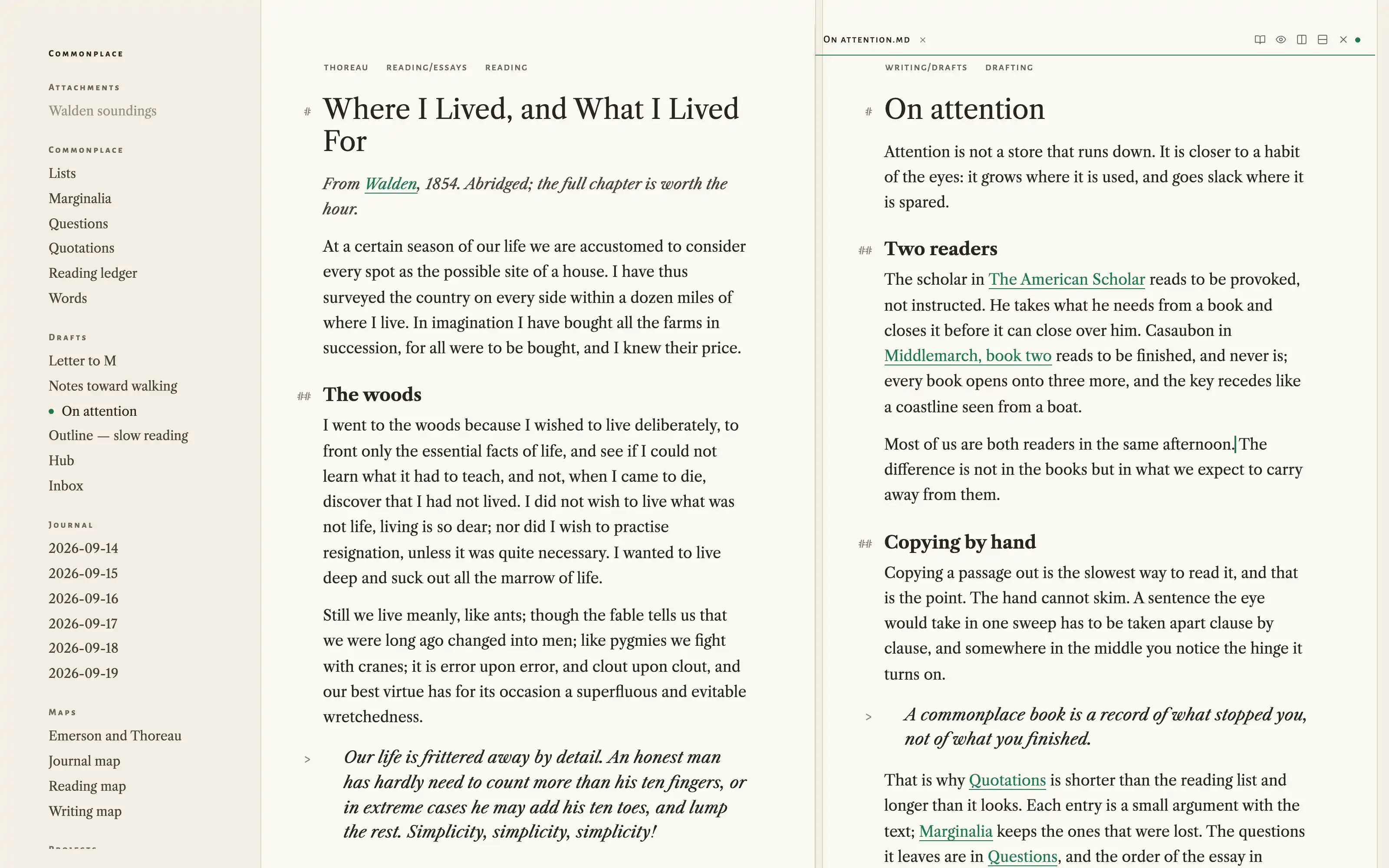
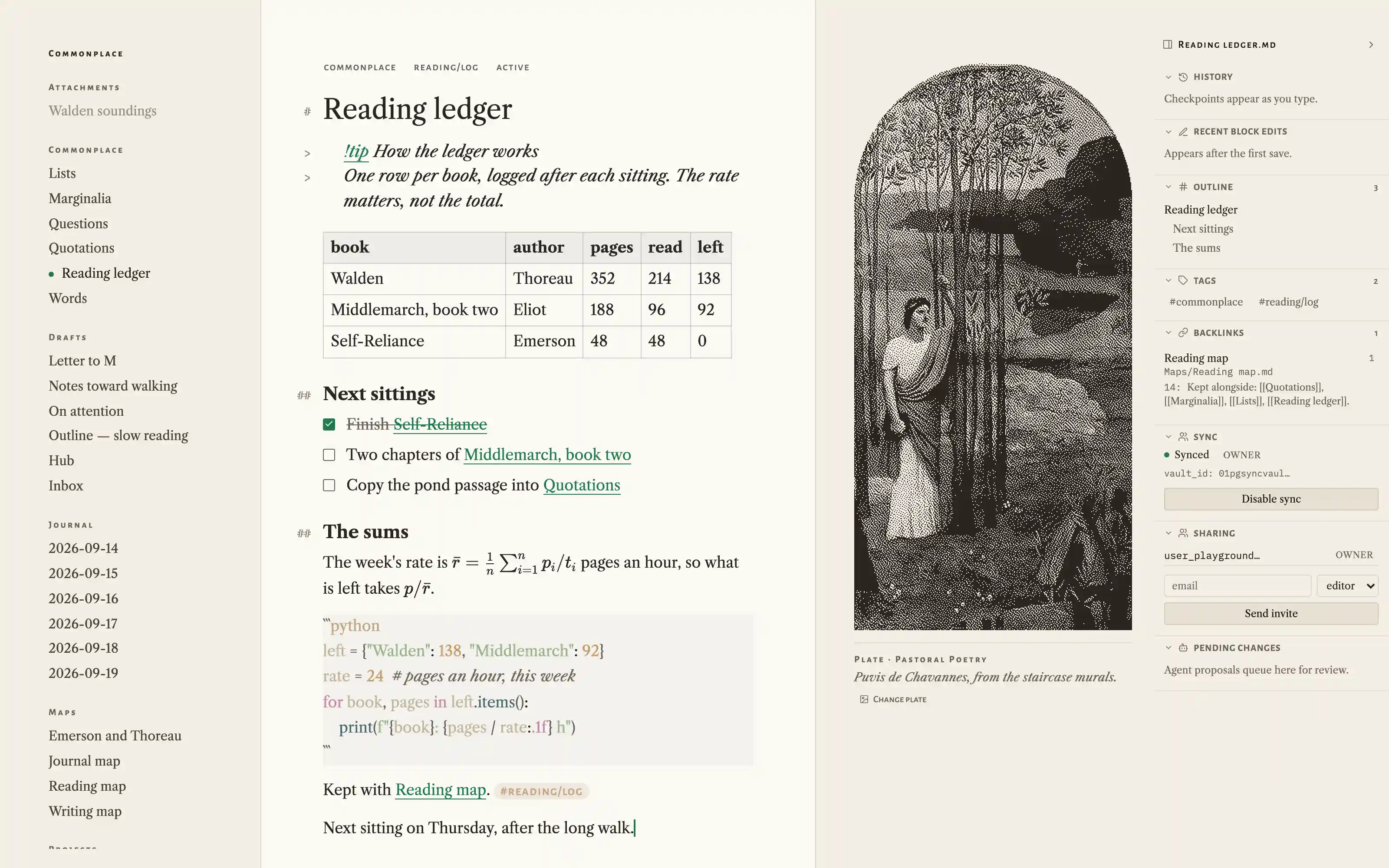
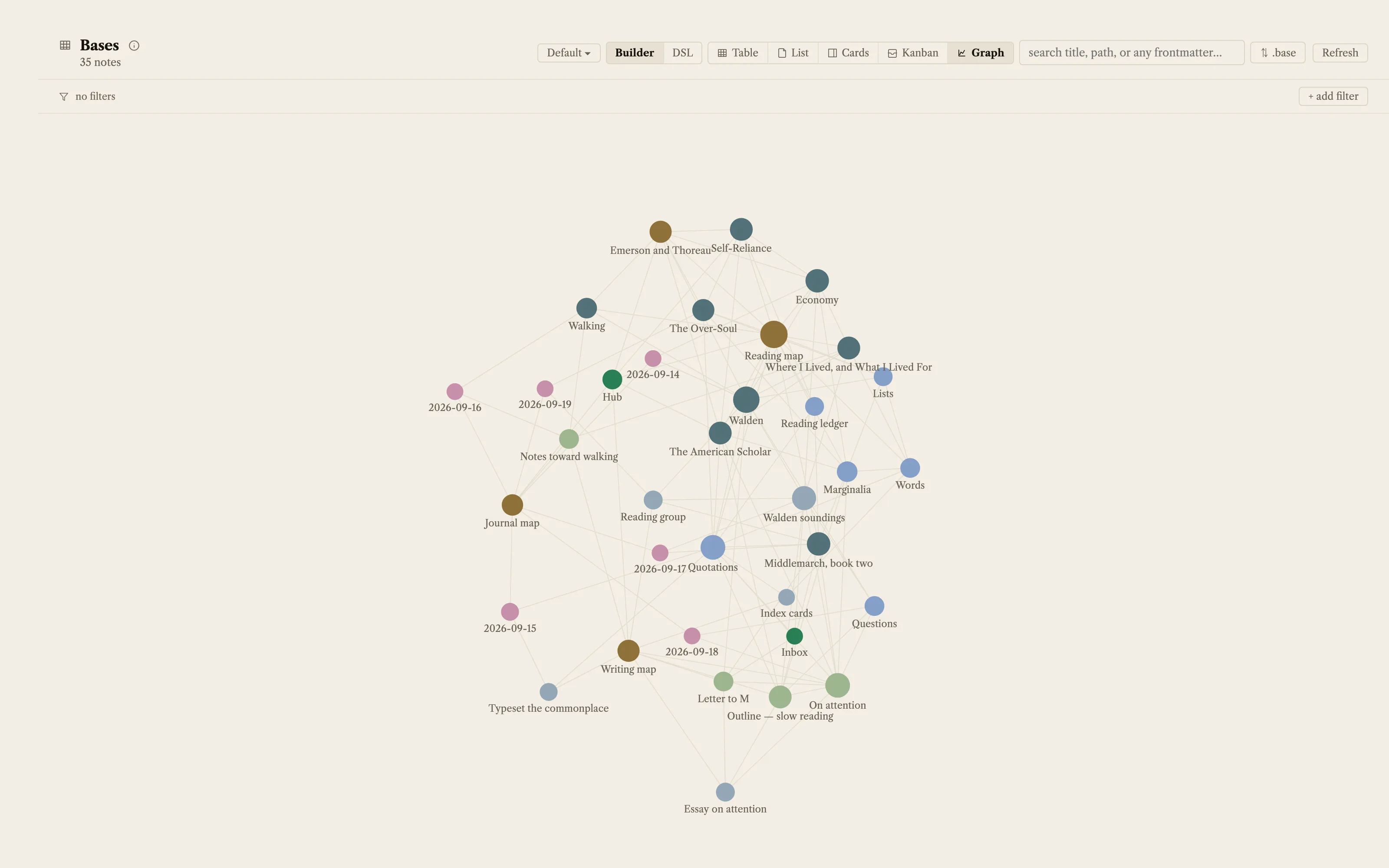
Evening by day: the same reading room in warm black ink on plaster. Libre Caslon on the page, small caps on the label bands, hairline edges, hanging markdown marks, and the Bates Hall drawing bundled as a captioned frontispiece plate rather than a room. Ships the four Puvis de Chavannes panels as margin plates.
Install it
- Open the Store from the left rail in Solomon (or press ⌘9) and choose Themes.
- Find Frontispiece and click Install. It lands in your vault’s
Themes/folder. - Choose it under Settings → Appearance. The default look is one click away there too.
Solomon is a free download for macOS. Get the app
- Mode
- Light only
- Type
- Libre Caslon Text
- Alegreya Sans SC
- Palette
- Credits
- SIL Open Font License 1.1
- Public domain art
Everything this package ships is public domain art or an SIL Open Font License 1.1 typeface. Nothing is fetched at runtime: the images and the fonts are bundled under assets/ and resolved against the theme folder.