§ the idea
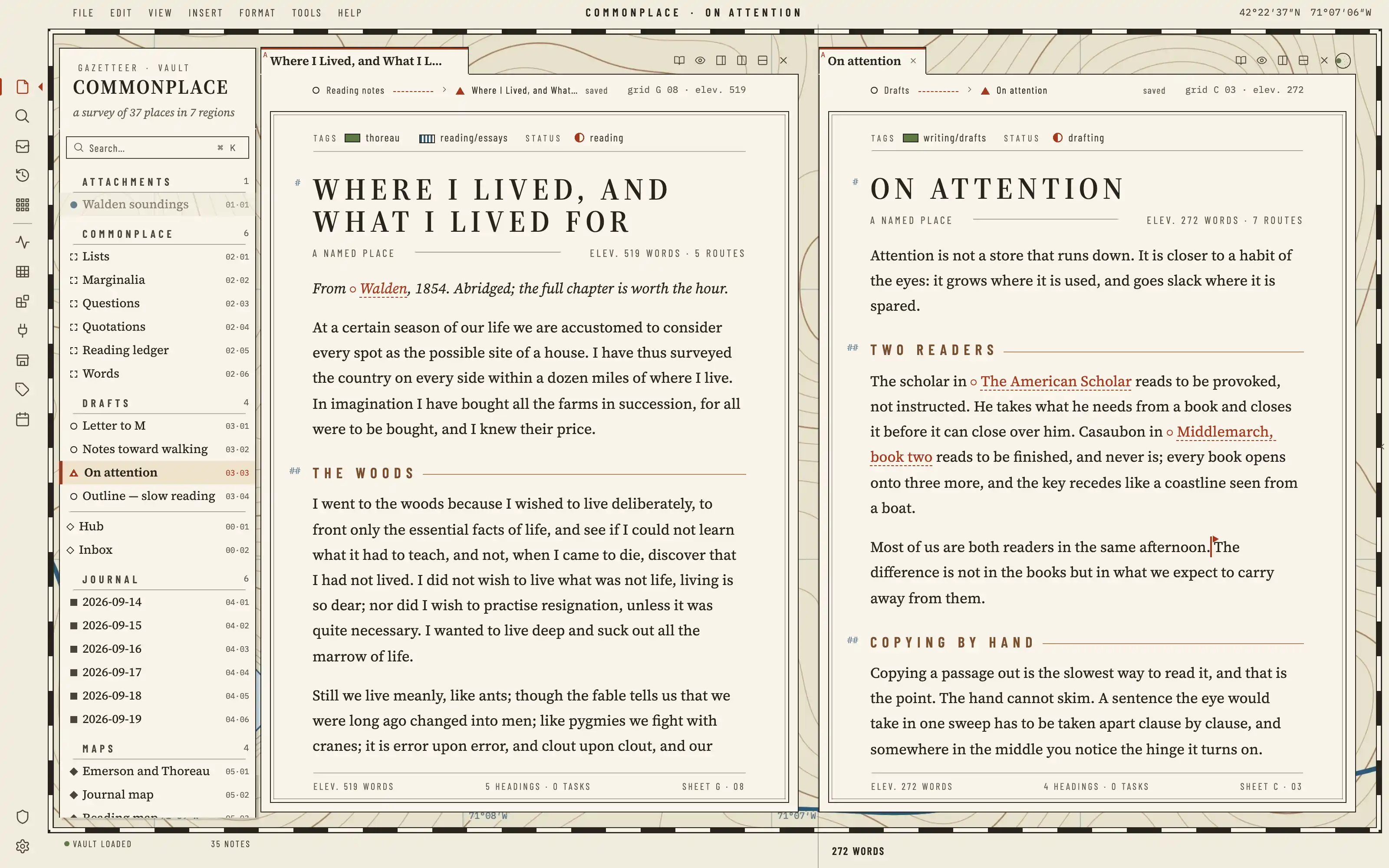
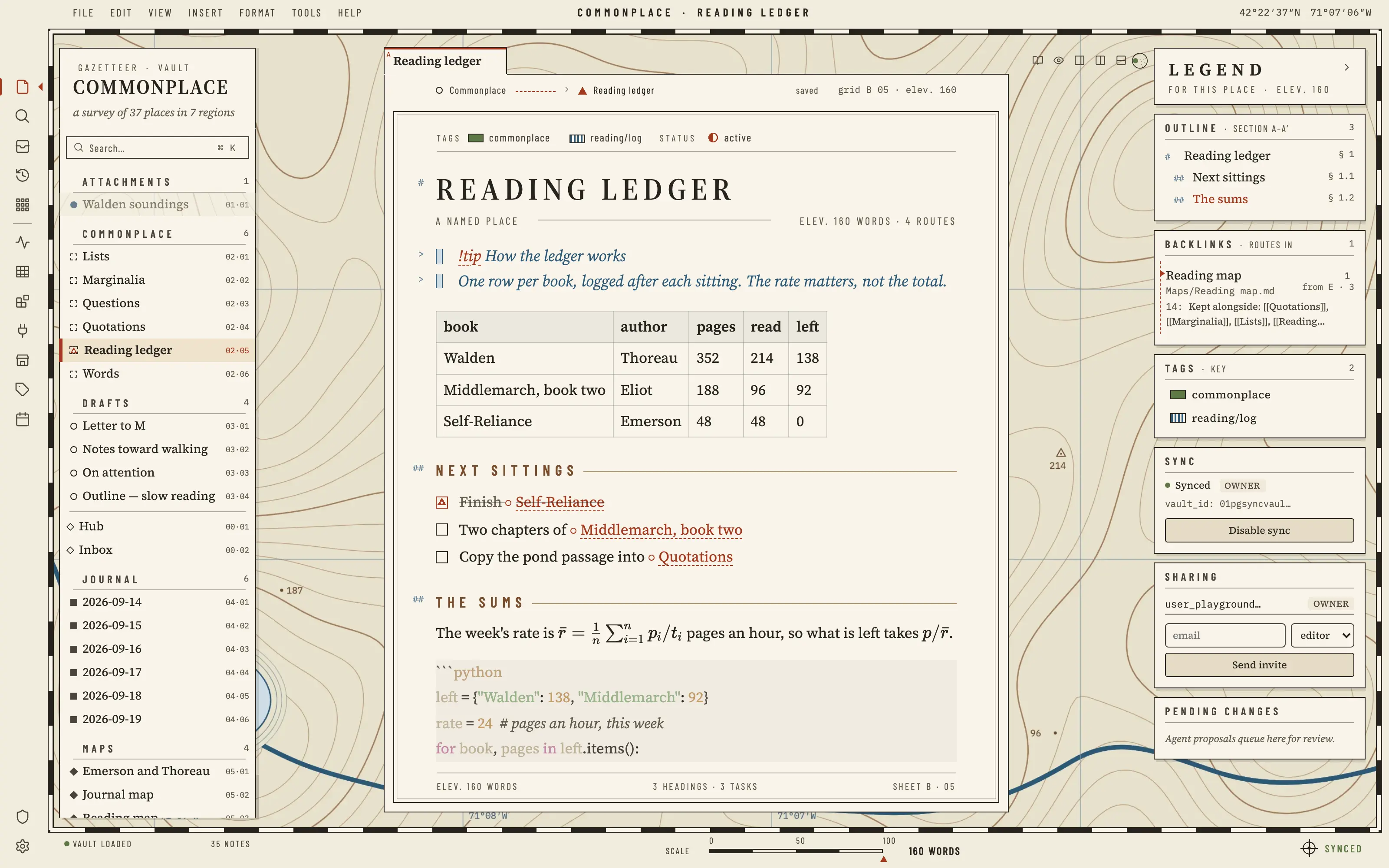
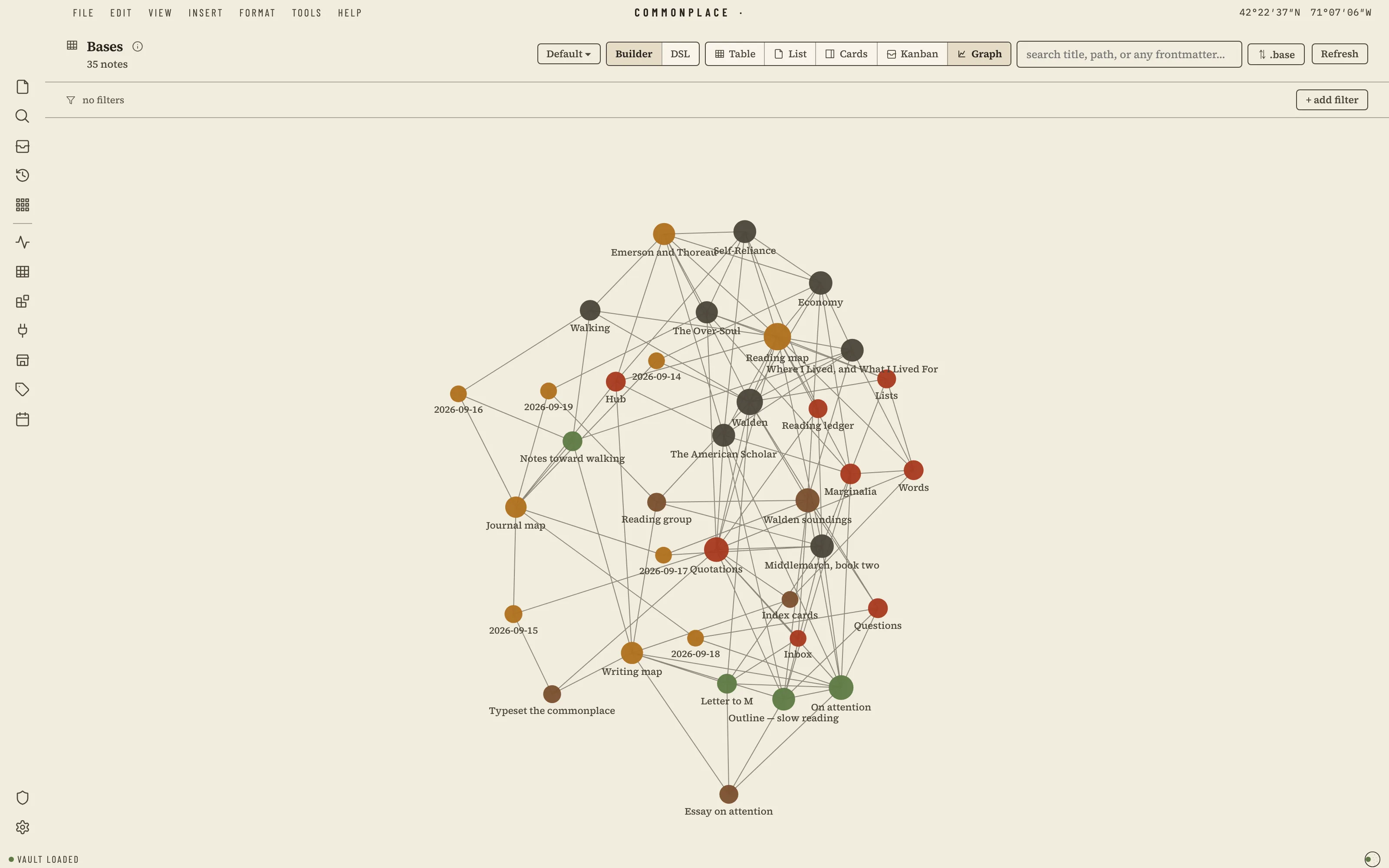
Your vault as surveyed territory: a printed map sheet with a zebra neatline, real contour linework and Walden Pond engraved in the ground, and the open note set as the map's cartouche. Headings are lettered like region names, quotations like water, links run as dashed footpaths, a finished task is a surveyed trig point, and the caret is a survey flag.
Install it
- Open the Store from the left rail in Solomon (or press ⌘9) and choose Themes.
- Find Cartographer and click Install. It lands in your vault’s
Themes/folder. - Choose it under Settings → Appearance. The default look is one click away there too.
Solomon is a free download for macOS. Get the app
- Mode
- Light only
- Type
- Source Serif 4
- Barlow Condensed
- Palette
- Credits
- SIL Open Font License 1.1
Everything this package ships is either our own work or an SIL Open Font License 1.1 typeface. Nothing is fetched at runtime: the ground and the fonts are bundled under assets/ and resolved against the theme folder.