§ the idea
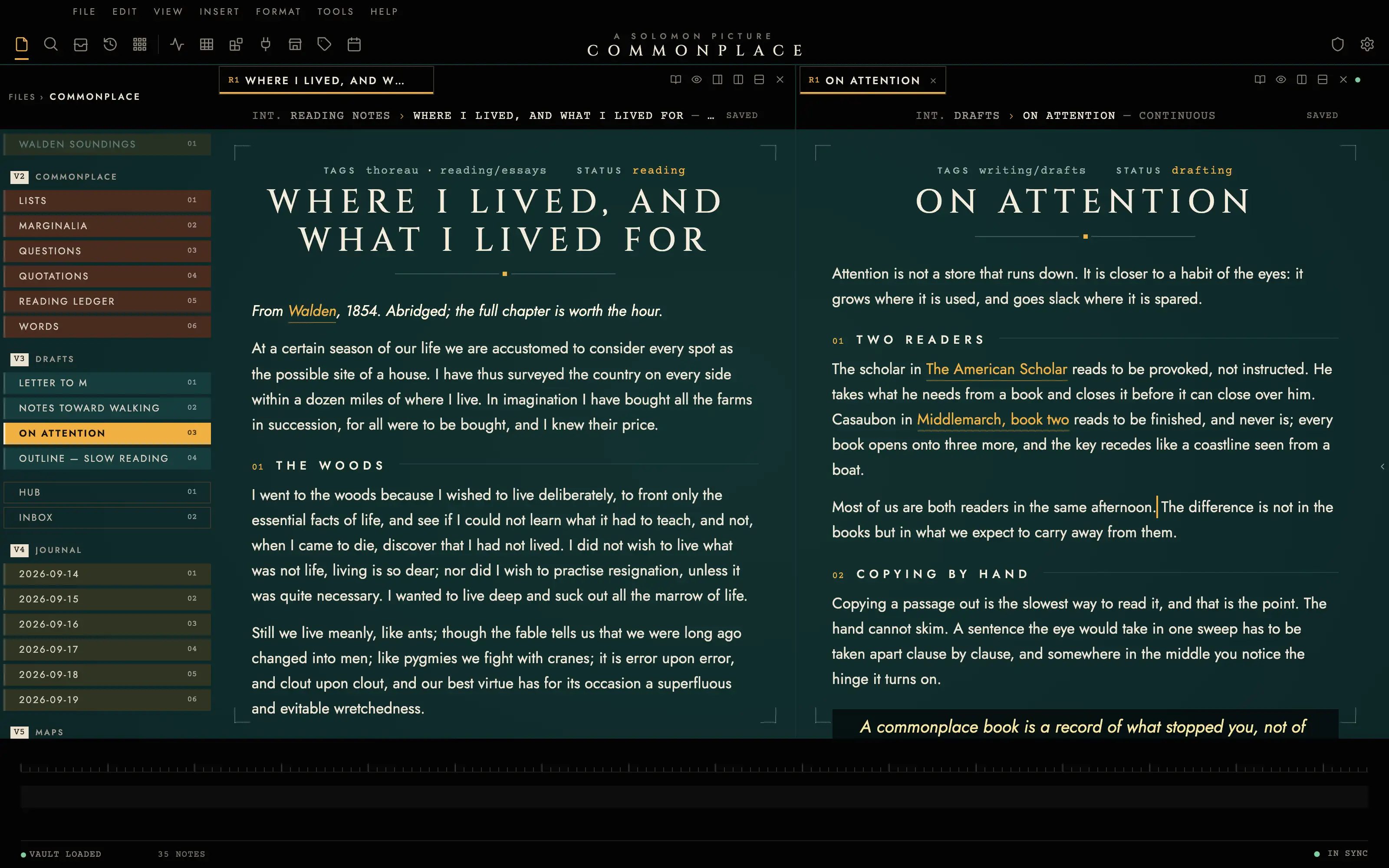
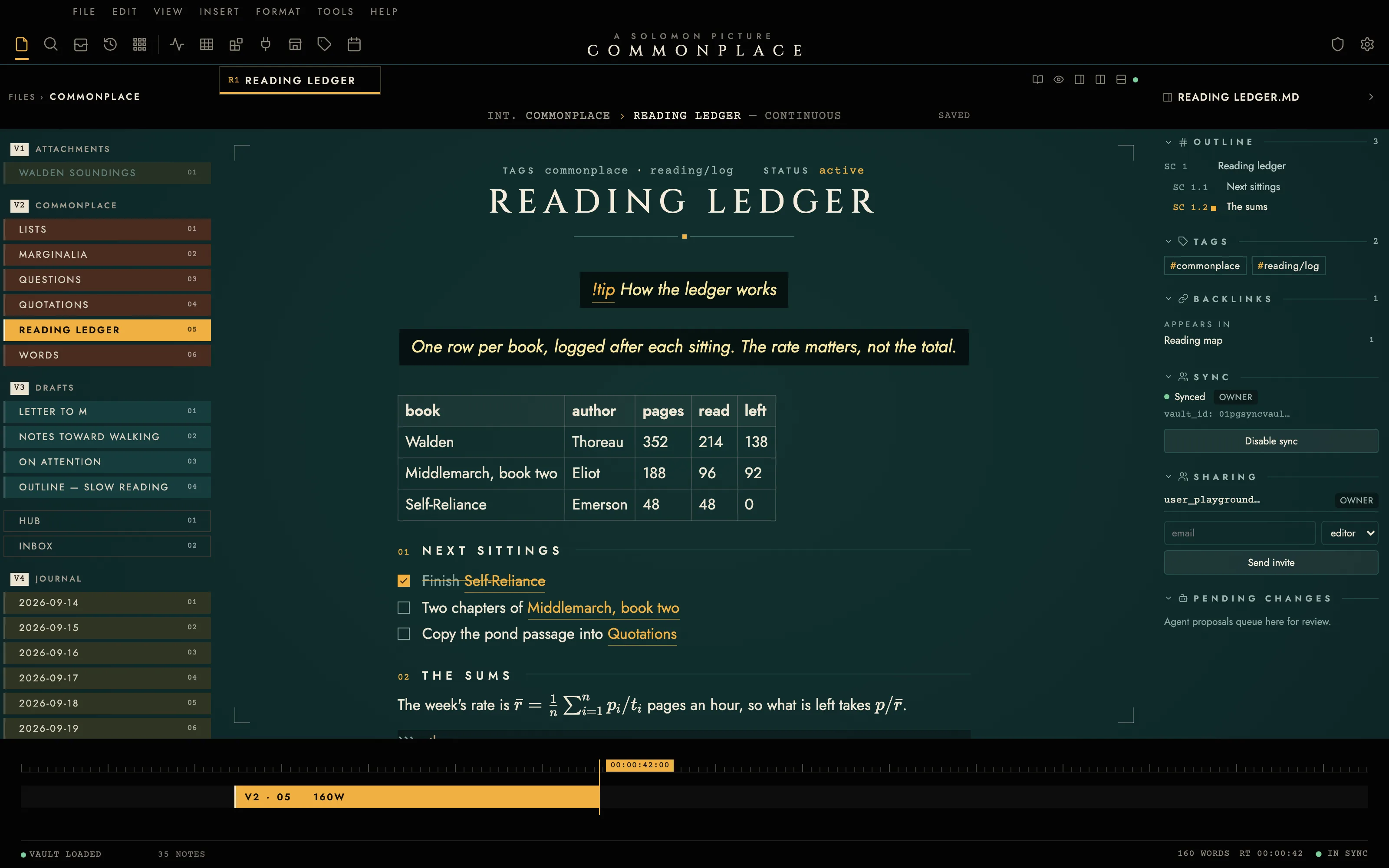
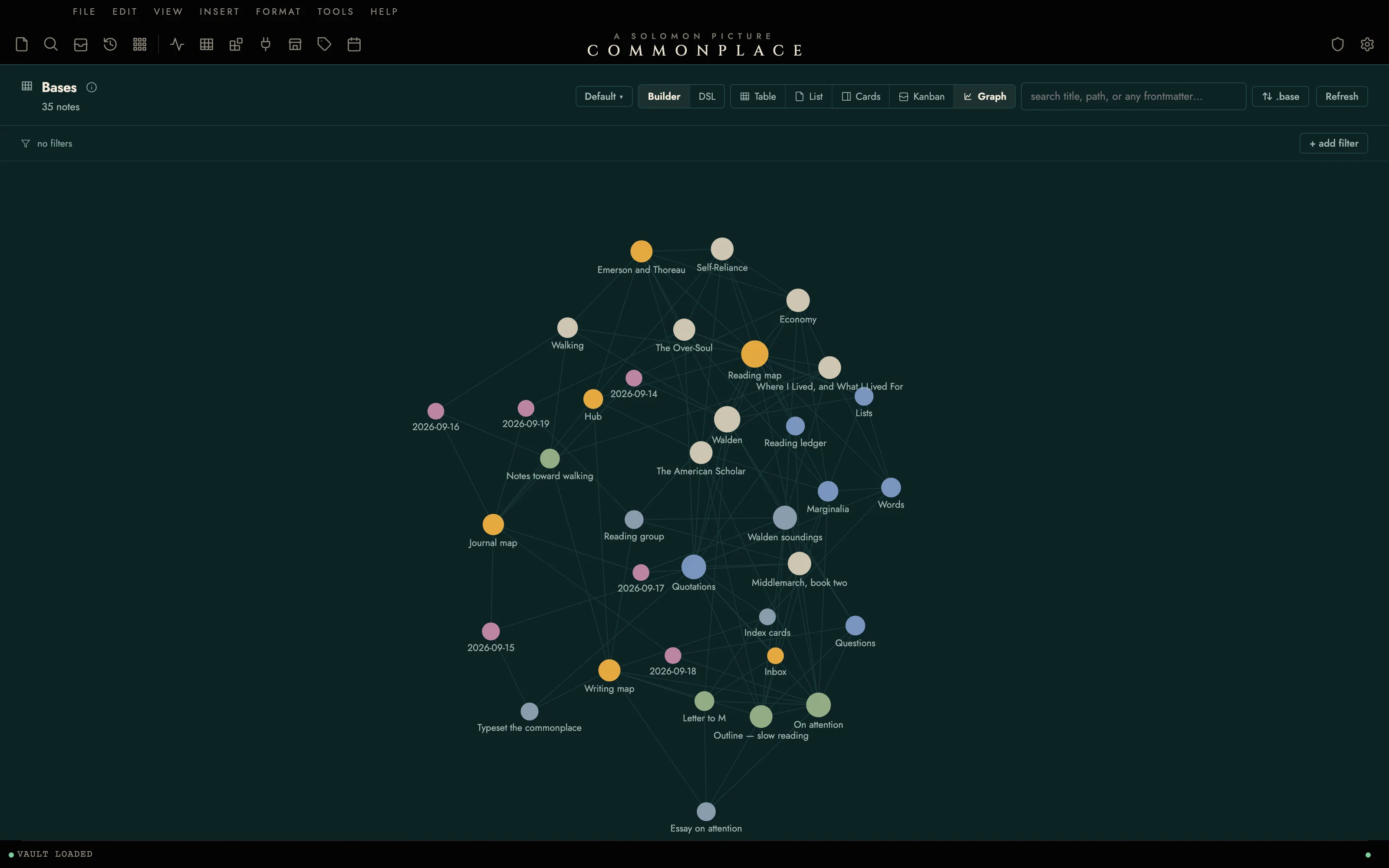
Your note as an opening title card: black letterbox bars hold the chrome, the page sits centred in a teal-graded picture under a Cinzel title, and quotations run as subtitles on a black caption box. Tungsten amber marks the caret, the active reel and the clip you are on in a file bin laid out as edit tracks.
Install it
- Open the Store from the left rail in Solomon (or press ⌘9) and choose Themes.
- Find Cinema and click Install. It lands in your vault’s
Themes/folder. - Choose it under Settings → Appearance. The default look is one click away there too.
Solomon is a free download for macOS. Get the app
- Mode
- Dark only
- Type
- Cinzel
- Jost
- Palette
- Credits
- SIL Open Font License 1.1
Cinema ships no pictures. The grade, the letterbox bars, the safe-area marks, the title rule and the clips are all flat colour and vector geometry drawn in theme.css. The only third-party work in the package is three typefaces, each under the SIL Open Font License 1.1, bundled under assets/fonts/ and resolved against the theme folder. Nothing is fetched at runtime.