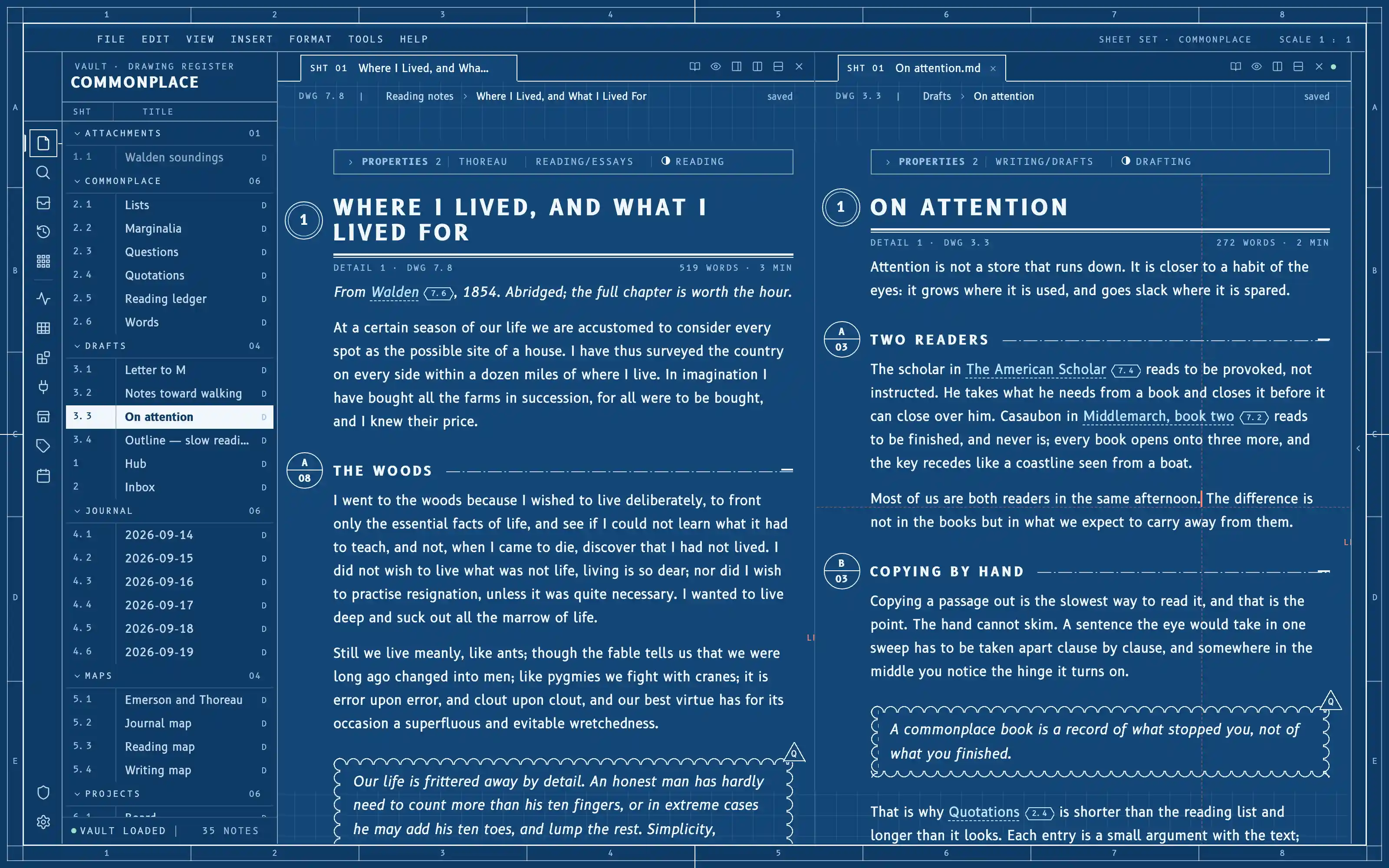
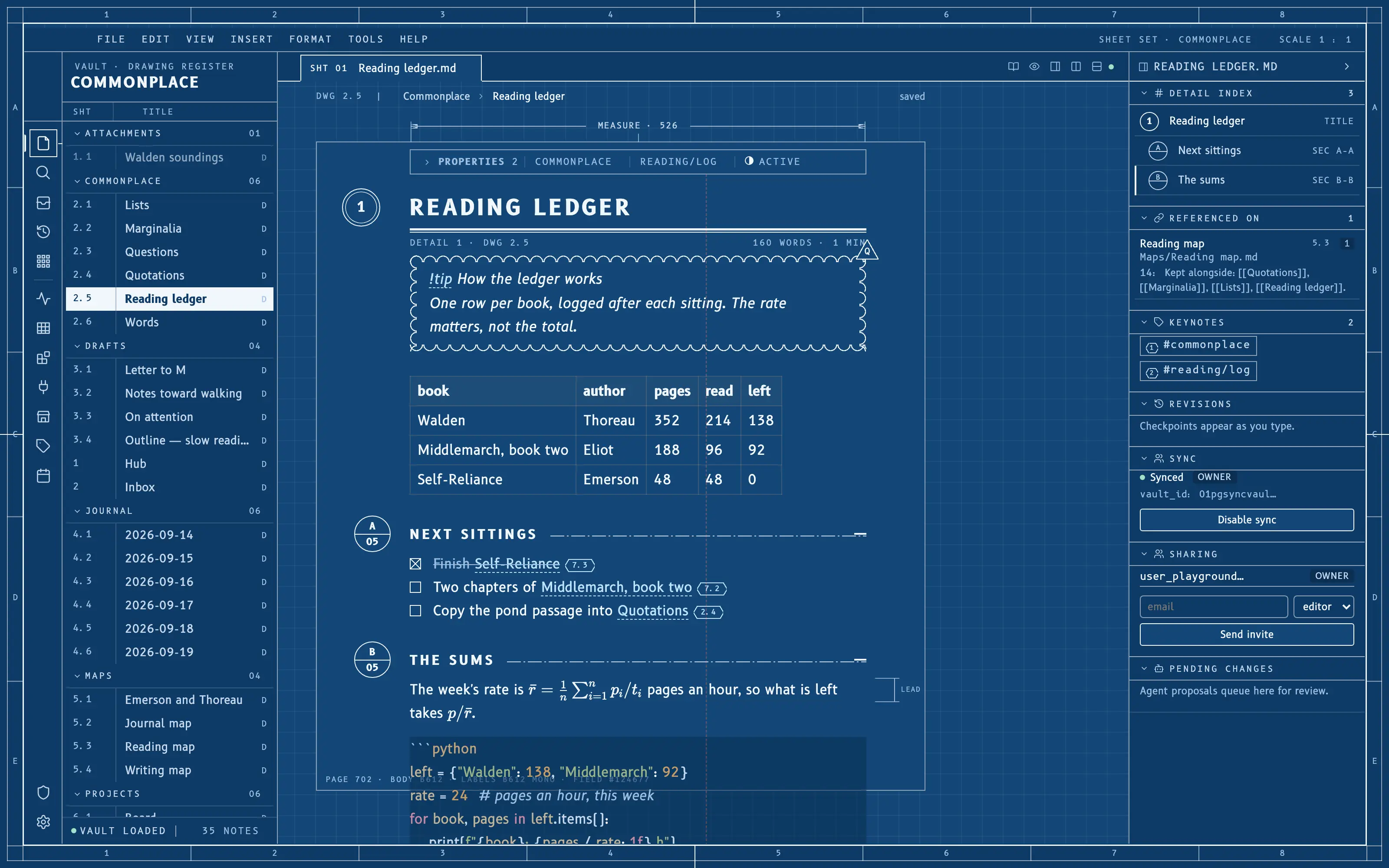
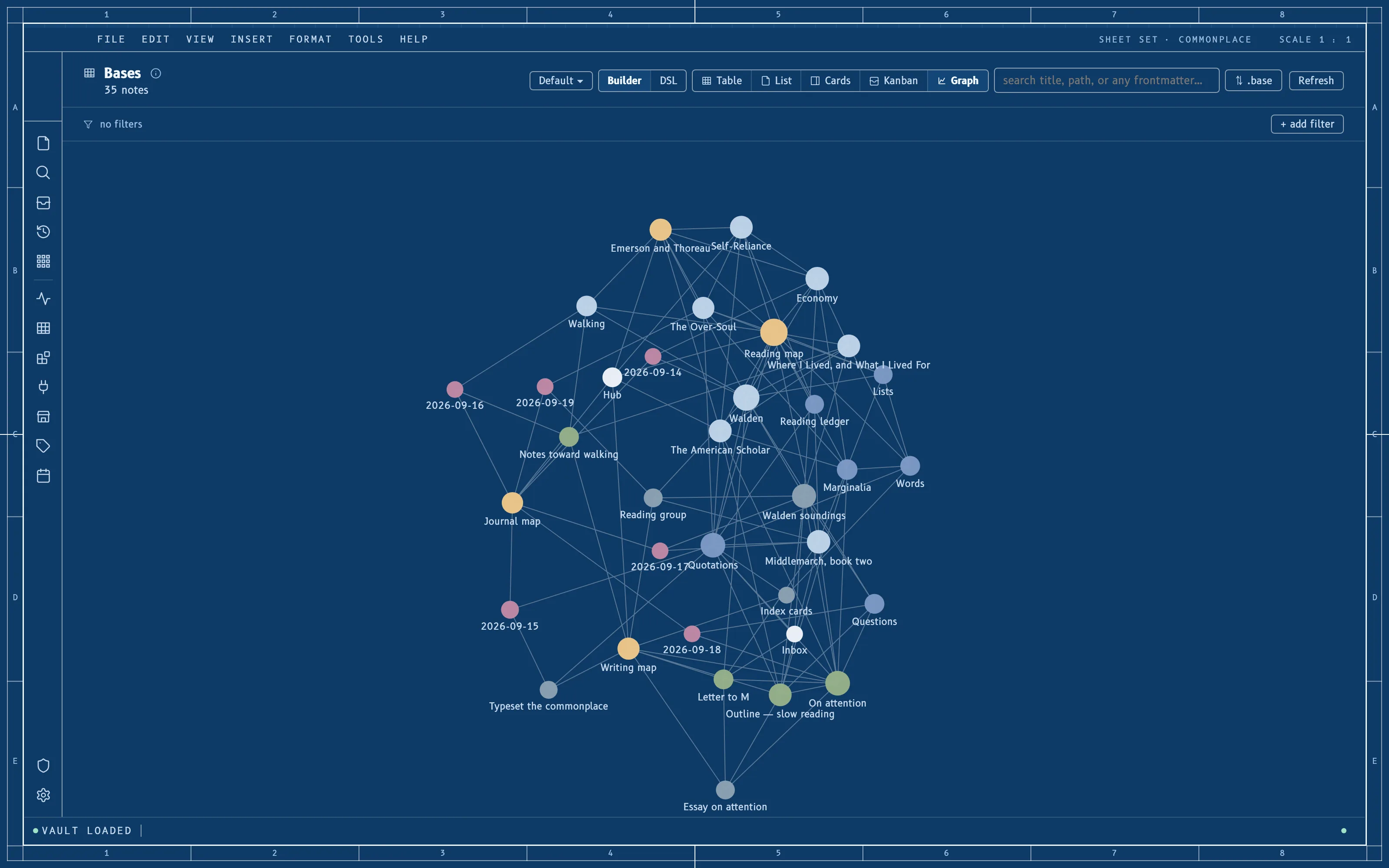
The window as one engineering drawing sheet: a Prussian-blue field inside a zoned border frame, white linework, B612 and B612 Mono from the Airbus cockpit, headings as detail bubbles with dash-dot section cuts, the file tree as a drawing register with sheet numbers, and a redline crosshair for a caret. Flat fields and hairlines only.
Install it
- Open the Store from the left rail in Solomon (or press ⌘9) and choose Themes.
- Find Cyanotype and click Install. It lands in your vault’s
Themes/folder. - Choose it under Settings → Appearance. The default look is one click away there too.
Solomon is a free download for macOS. Get the app
- Mode
- Dark only
- Type
- B612
- B612 Mono
- Palette
- Credits
- SIL Open Font License 1.1
This package ships no pictures. The drawing frame and its zone marks, the drafting grid, the detail bubbles, the section-cut chains, the revision cloud, the delta tag, the hexagonal cross-reference tags, the X-boxes and the dimension lines are all drawn in theme.css from CSS gradients and borders — vector geometry, original to this theme. Nothing is fetched at runtime.