§ the idea
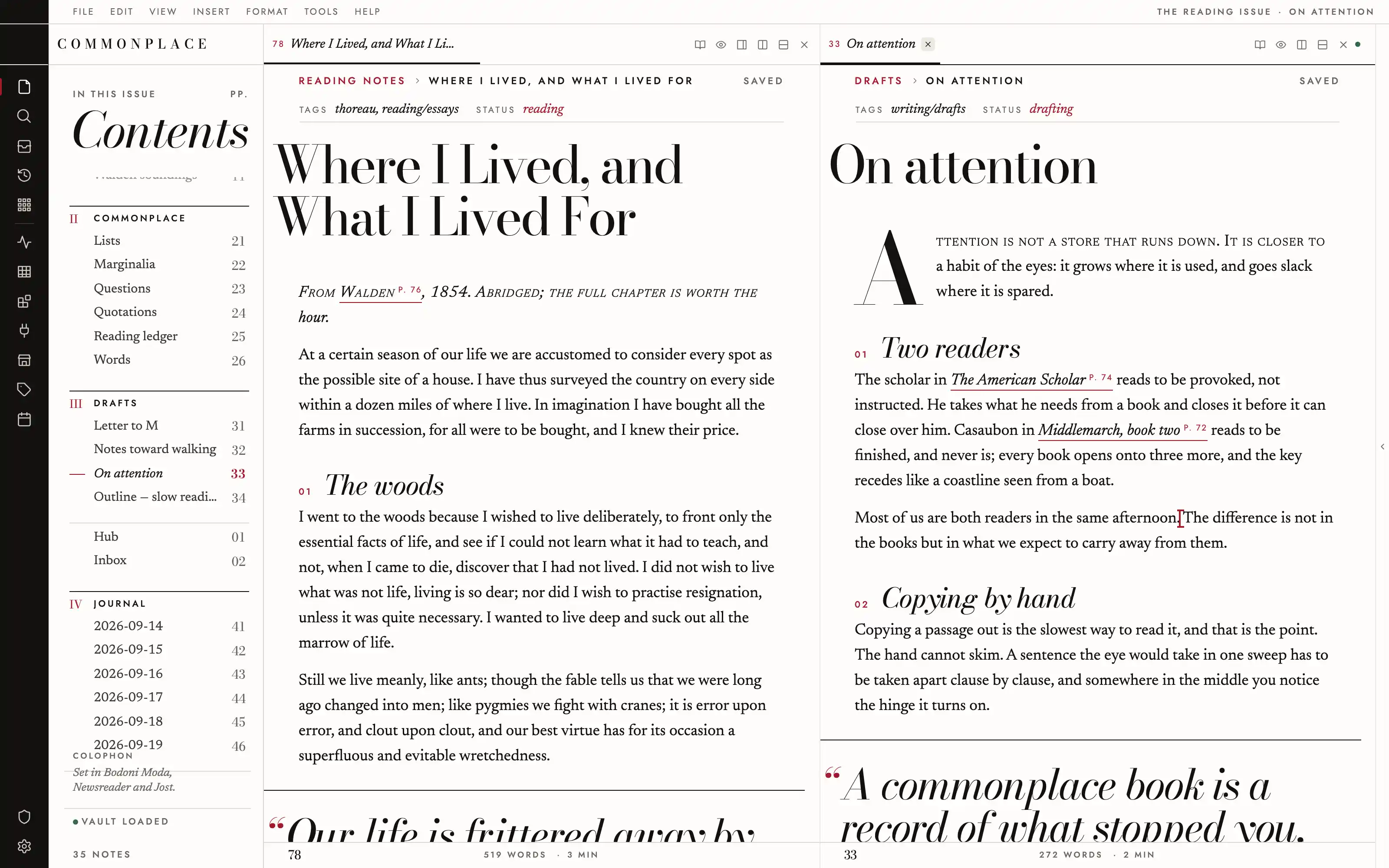
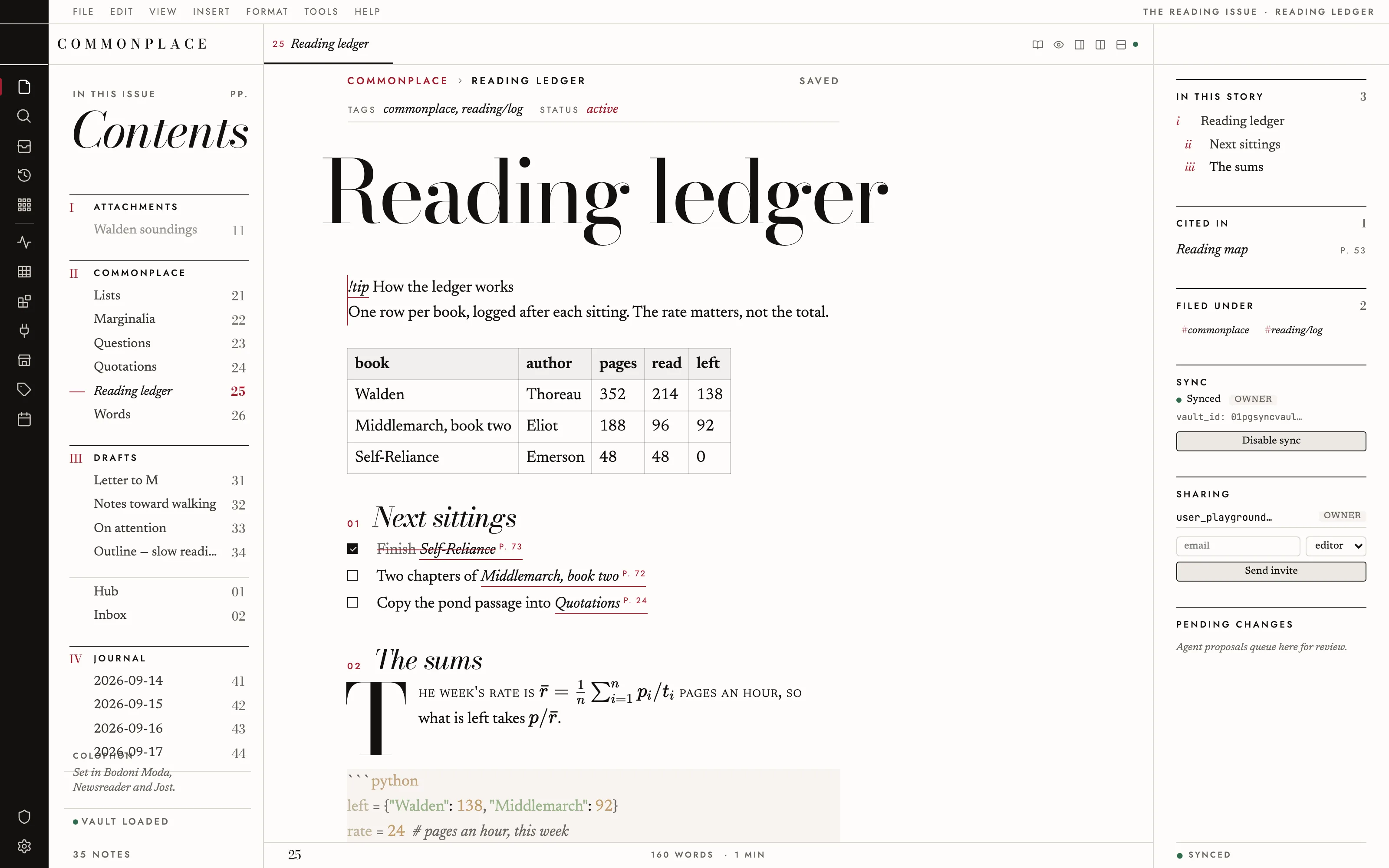
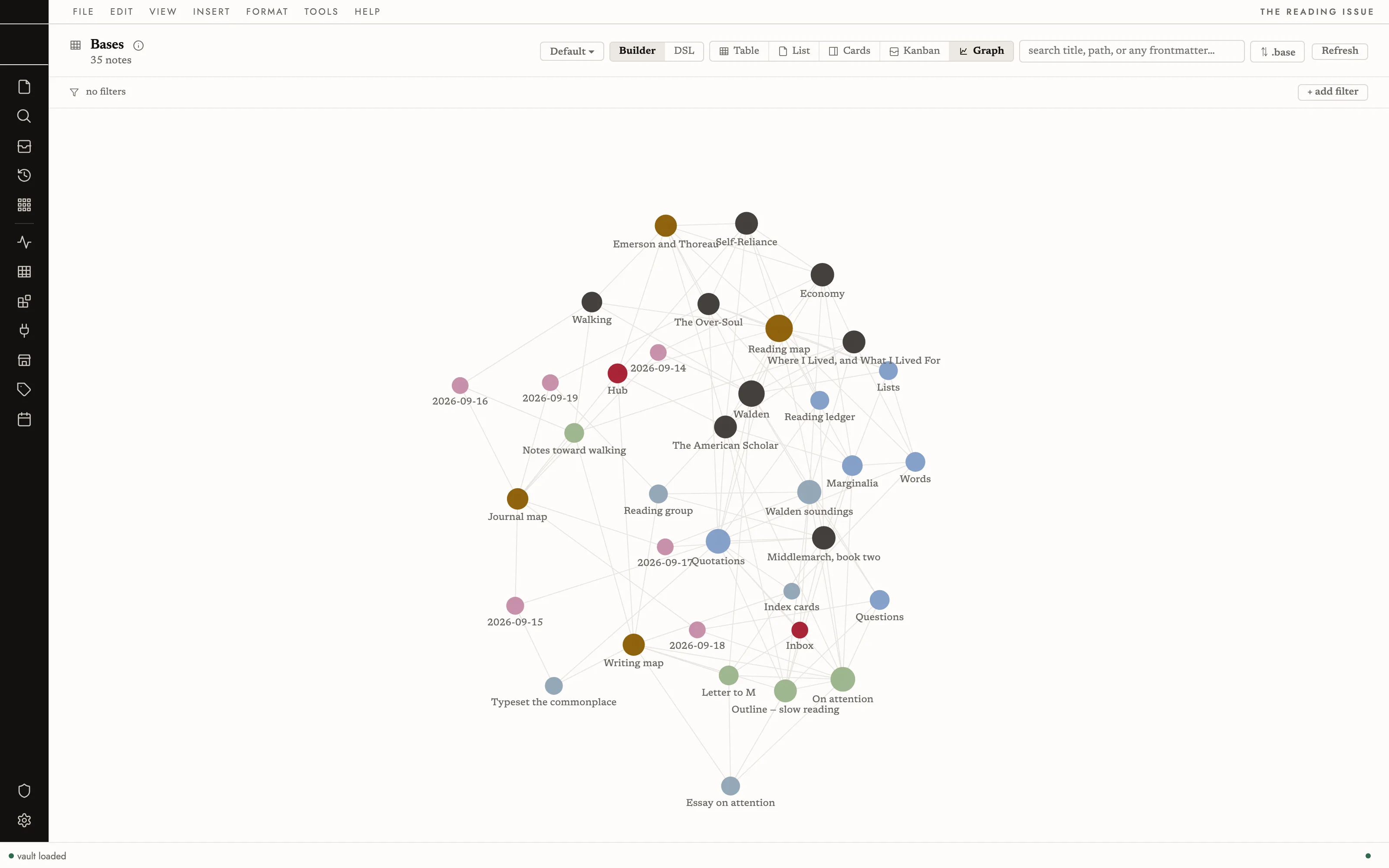
Every note set as the opening spread of a feature in a luxury quarterly: a 110px Bodoni headline, a sunk drop cap, a 56px italic pull quote between rules, and the file tree printed as a Contents page with a page number beside every note. Warm white paper, true black ink, one lacquer red for the caret, the kicker and the page you are on.
Install it
- Open the Store from the left rail in Solomon (or press ⌘9) and choose Themes.
- Find Editorial and click Install. It lands in your vault’s
Themes/folder. - Choose it under Settings → Appearance. The default look is one click away there too.
Solomon is a free download for macOS. Get the app
- Mode
- Light only
- Type
- Bodoni Moda
- Newsreader
- Jost
- Palette
- Credits
- SIL Open Font License 1.1
Editorial ships no pictures. The look is type, one spot colour and hairline rules, drawn in CSS. Everything bundled is an SIL Open Font License 1.1 typeface. Nothing is fetched at runtime; the fonts live under assets/fonts/ and resolve against the theme folder.