§ the idea
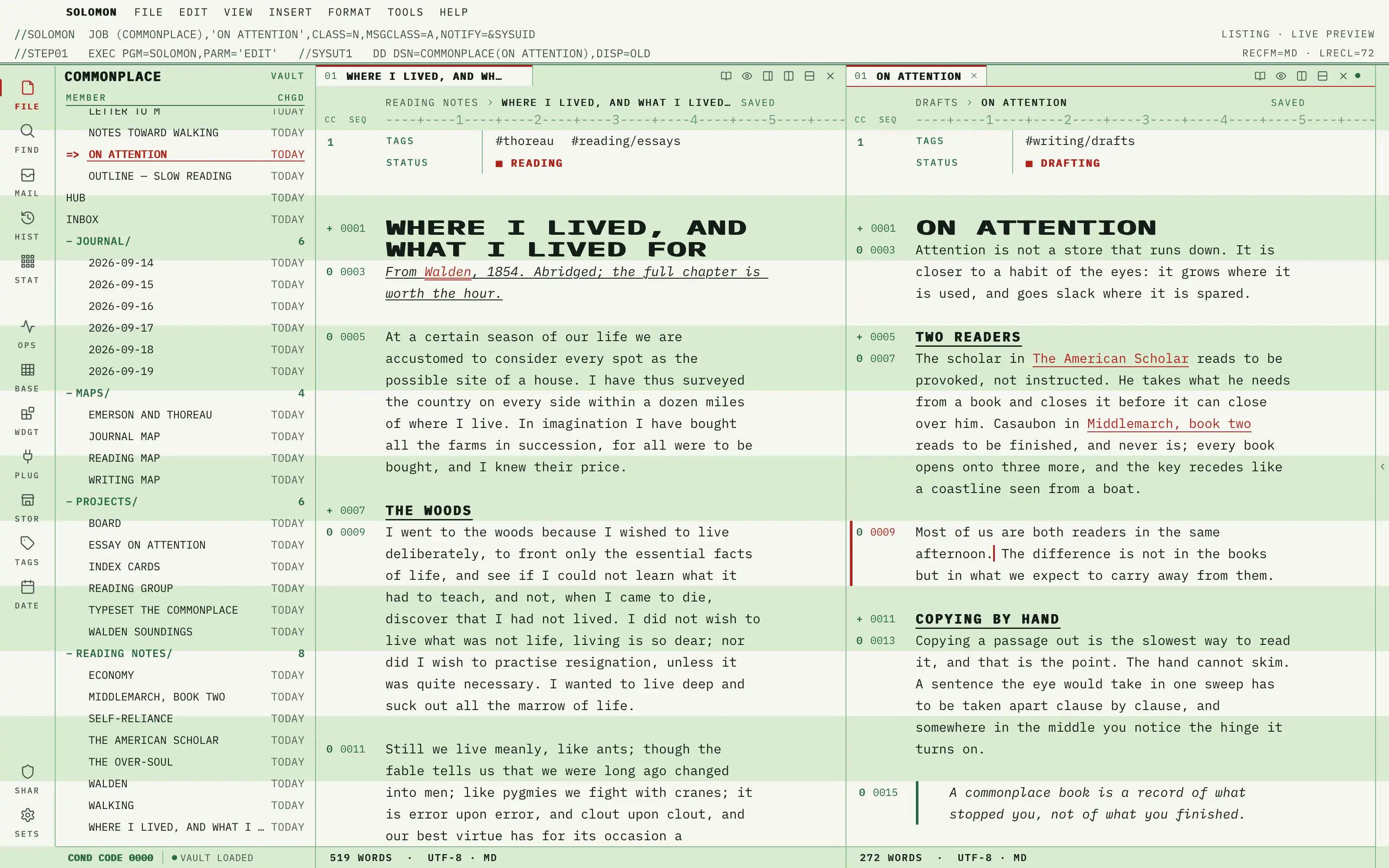
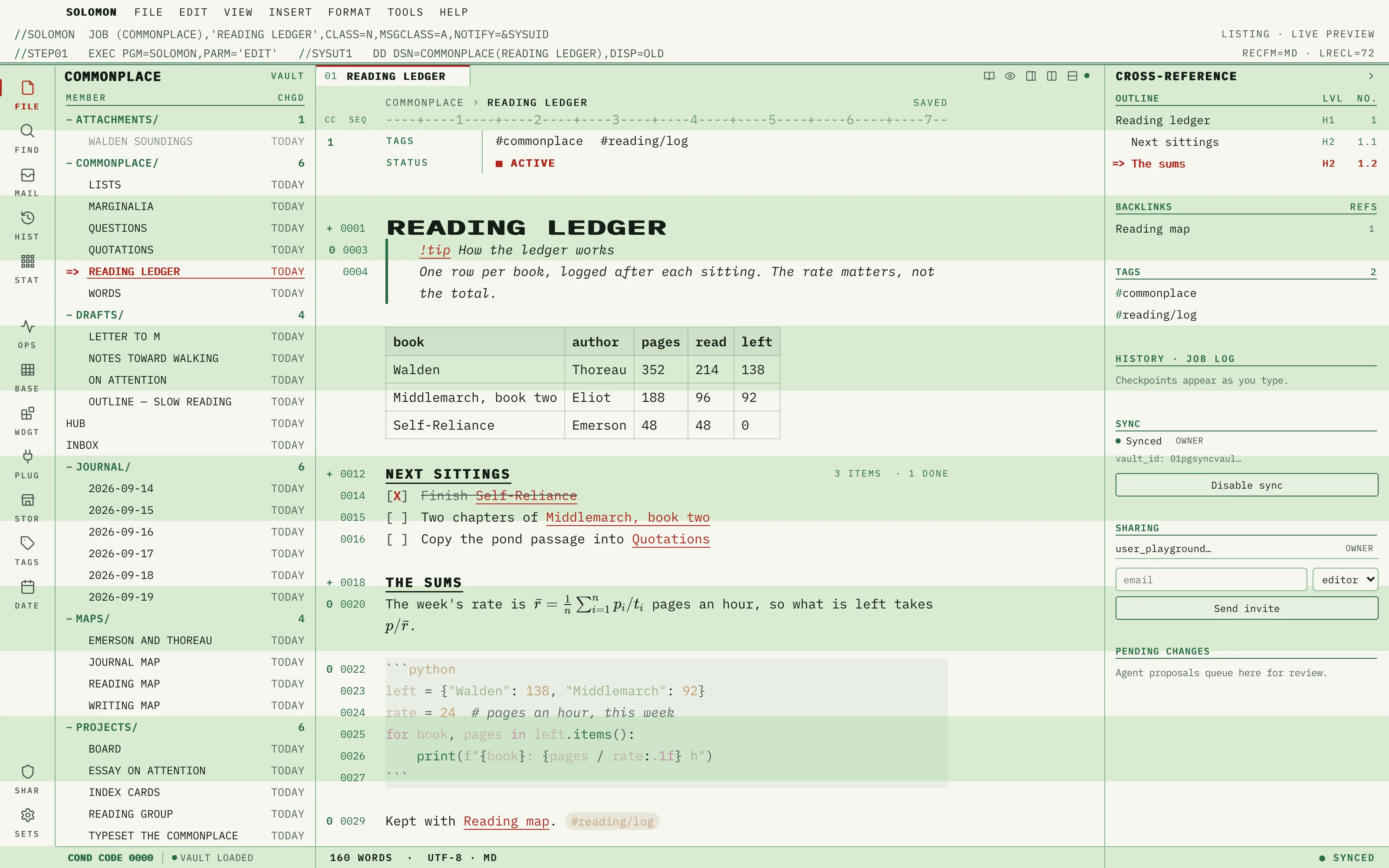
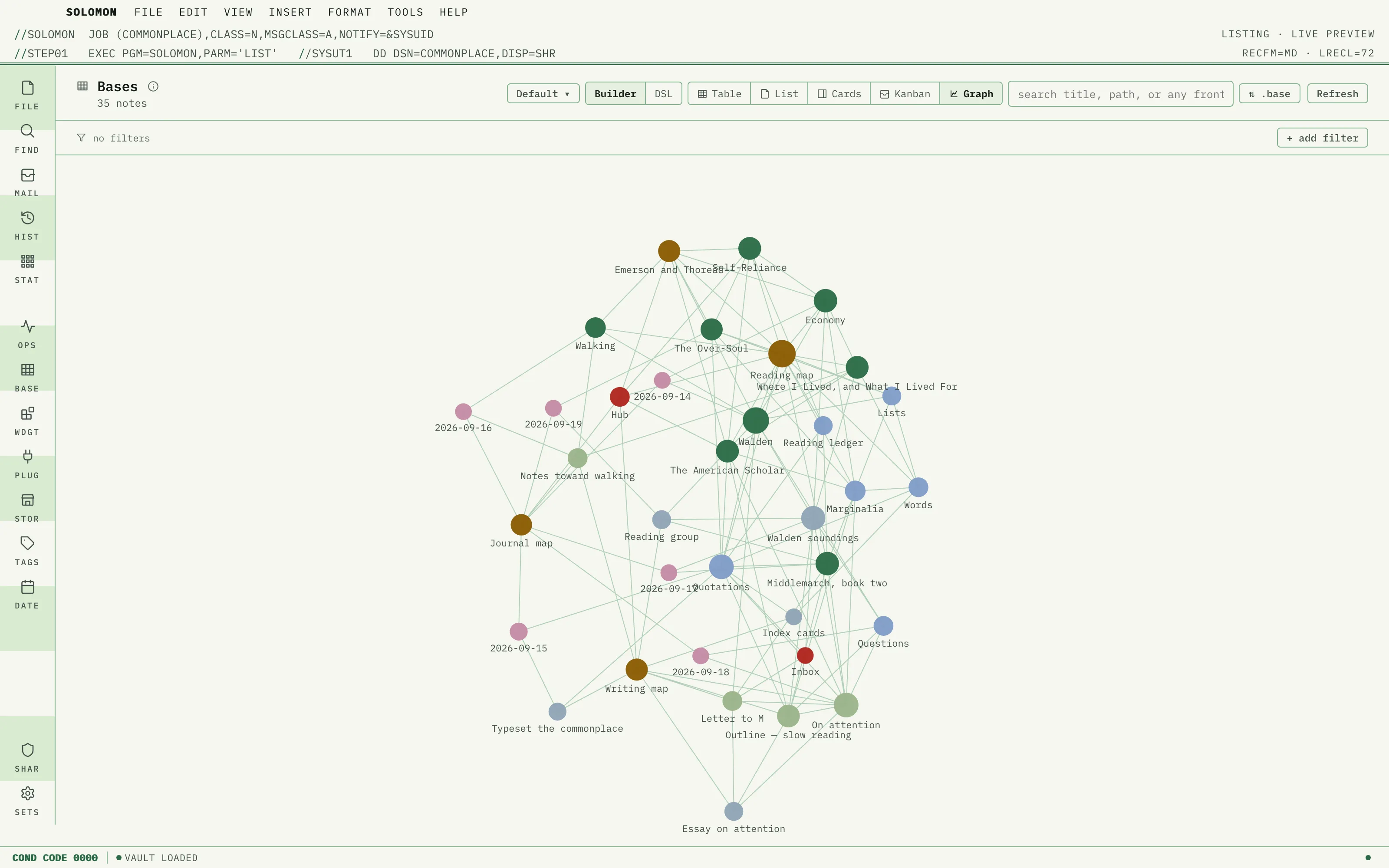
Your vault as a 1978 line-printer listing: one strict 25px printed-line grid, flat three-line greenbar bands running edge to edge, IBM Plex Mono throughout, headings overstruck in the ink's own colour, carriage-control and sequence columns in the gutter, and ribbon red for the caret, the active member and the links. Pure table design, no simulated paper.
Install it
- Open the Store from the left rail in Solomon (or press ⌘9) and choose Themes.
- Find Greenbar and click Install. It lands in your vault’s
Themes/folder. - Choose it under Settings → Appearance. The default look is one click away there too.
Solomon is a free download for macOS. Get the app
- Mode
- Light only
- Type
- IBM Plex Mono
- Palette
- Credits
- SIL Open Font License 1.1
Greenbar ships no images. Everything you see is type, flat colour fields and rules drawn by theme.css: the bands are two flat fills, the rules are gradients one pixel wide, and every glyph in the gutter, the ruler and the job card is set in the bundled face. Nothing is fetched at runtime.