§ the idea
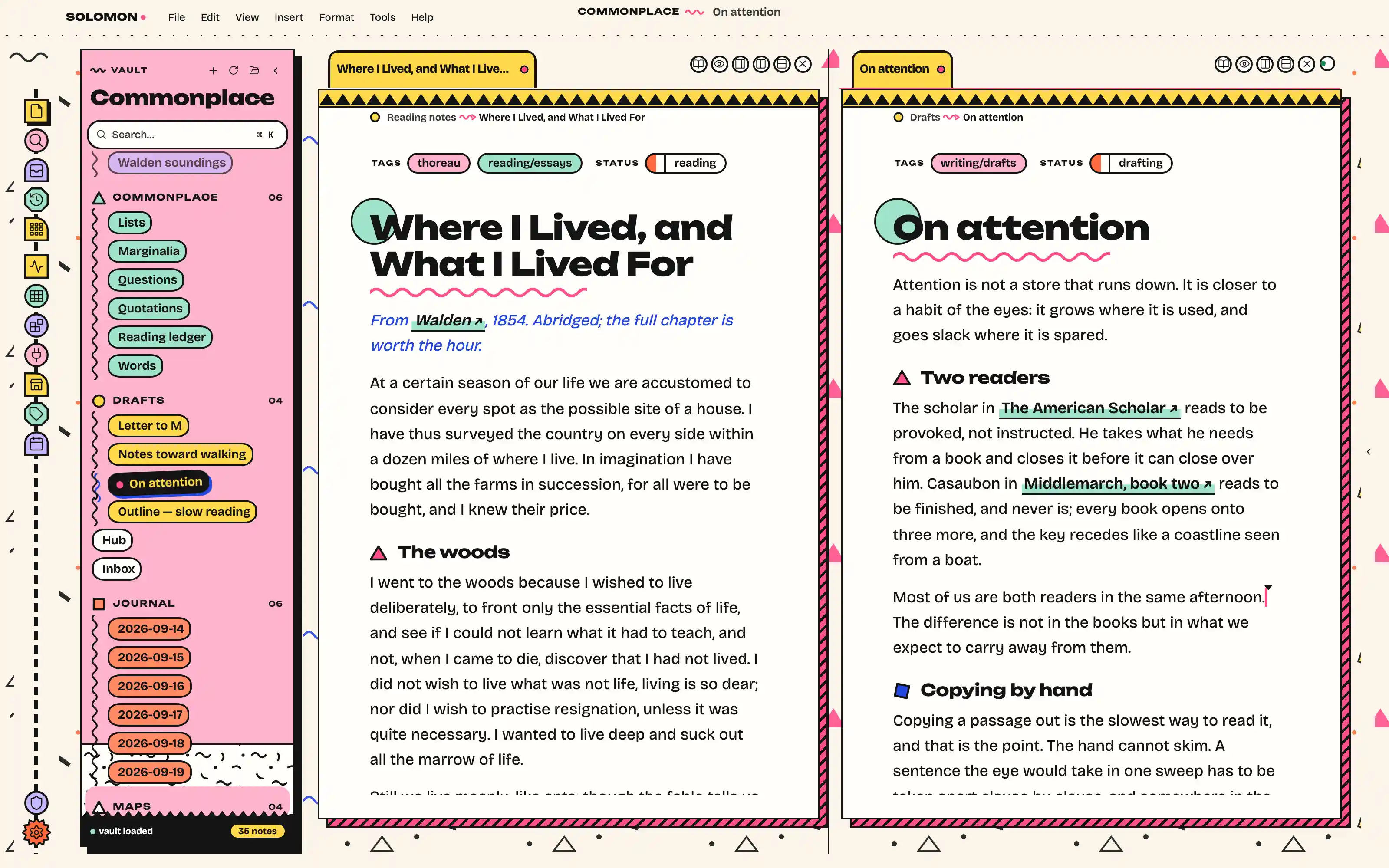
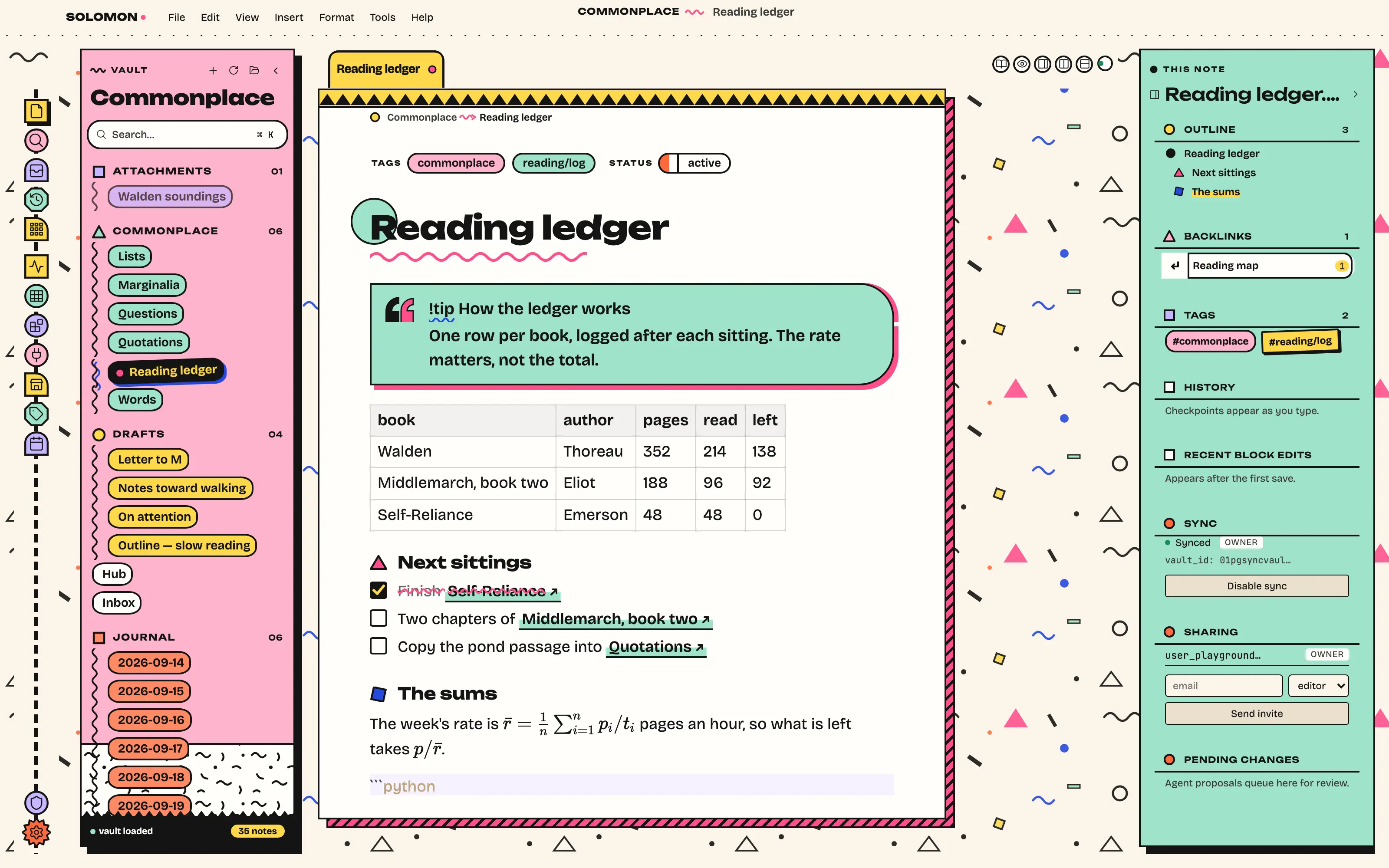
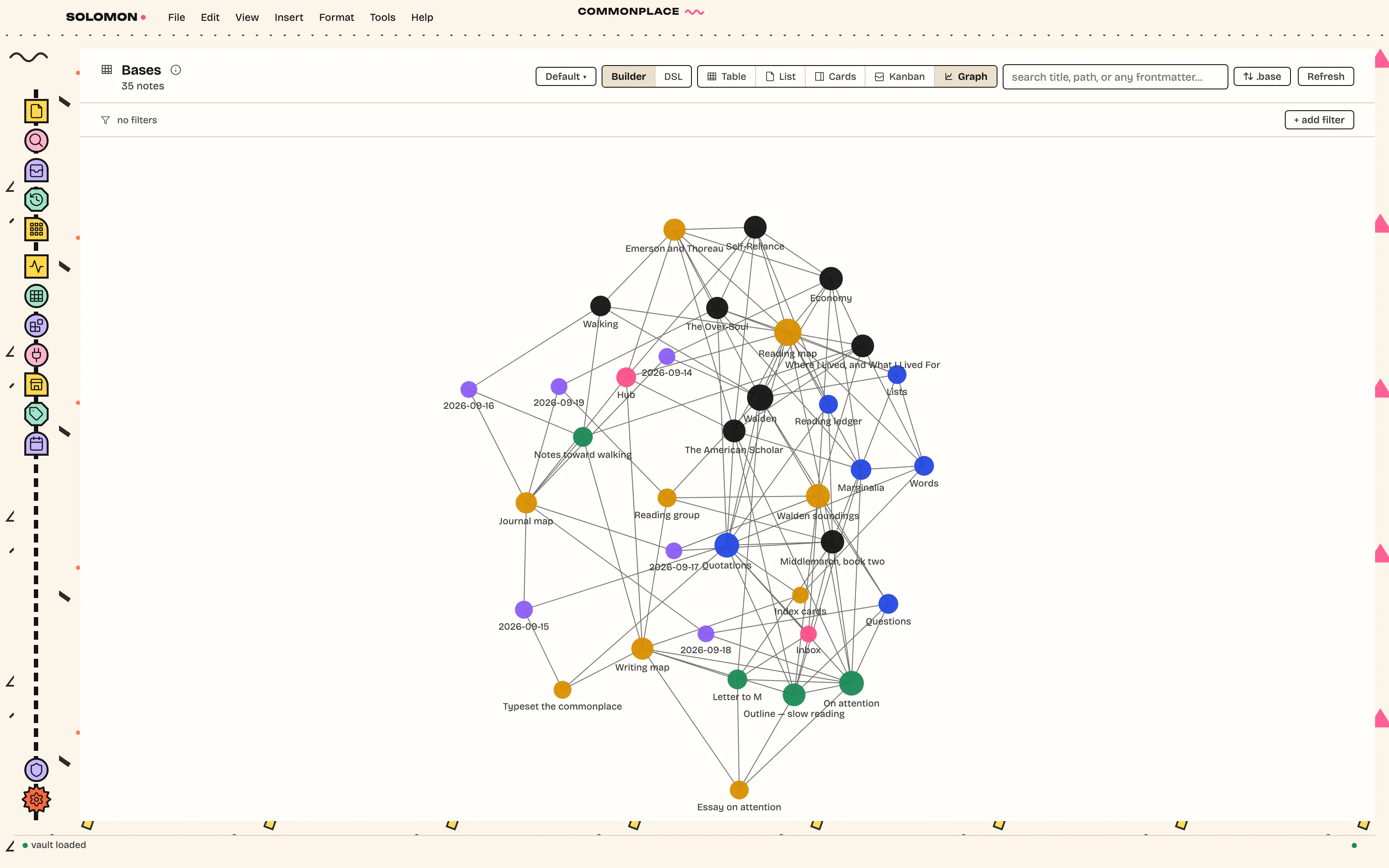
The window as a Sottsass furniture ensemble, Milan 1981: every panel a flat laminate slab in pink, mint or paper with a heavy black outline and a hard offset shadow, standing on a vector terrazzo floor. Notes become coloured chips, one colour per folder; headings wear circles, triangles and squares; the page wears a zig-zag crown. Unbounded and Bricolage Grotesque, bundled.
Install it
- Open the Store from the left rail in Solomon (or press ⌘9) and choose Themes.
- Find Memphis and click Install. It lands in your vault’s
Themes/folder. - Choose it under Settings → Appearance. The default look is one click away there too.
Solomon is a free download for macOS. Get the app
- Mode
- Light only
- Type
- Unbounded
- Bricolage Grotesque
- Palette
- Credits
- SIL Open Font License 1.1
Everything this package ships is either an SIL Open Font License 1.1 typeface or vector art drawn for this theme. Nothing is fetched at runtime.