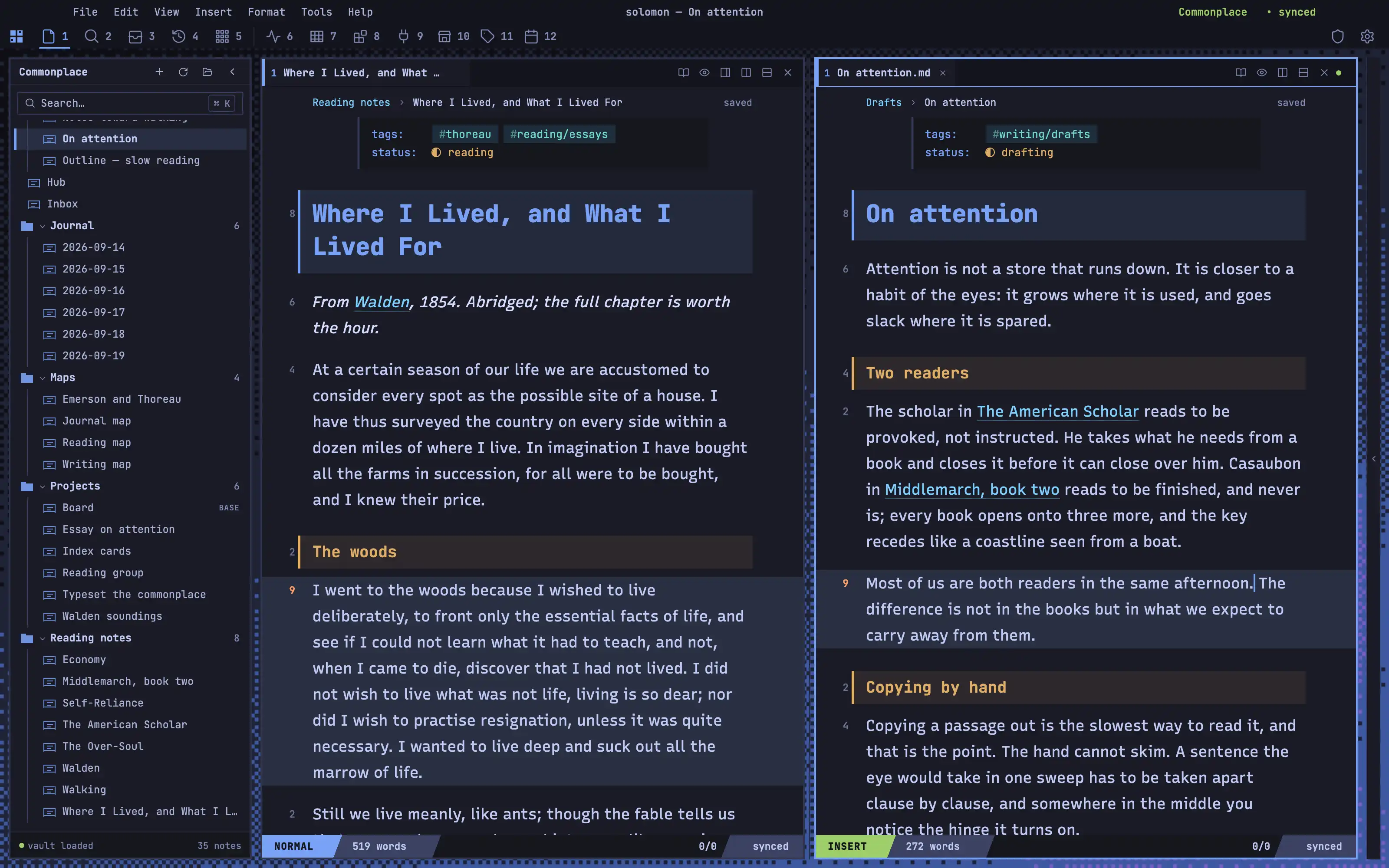
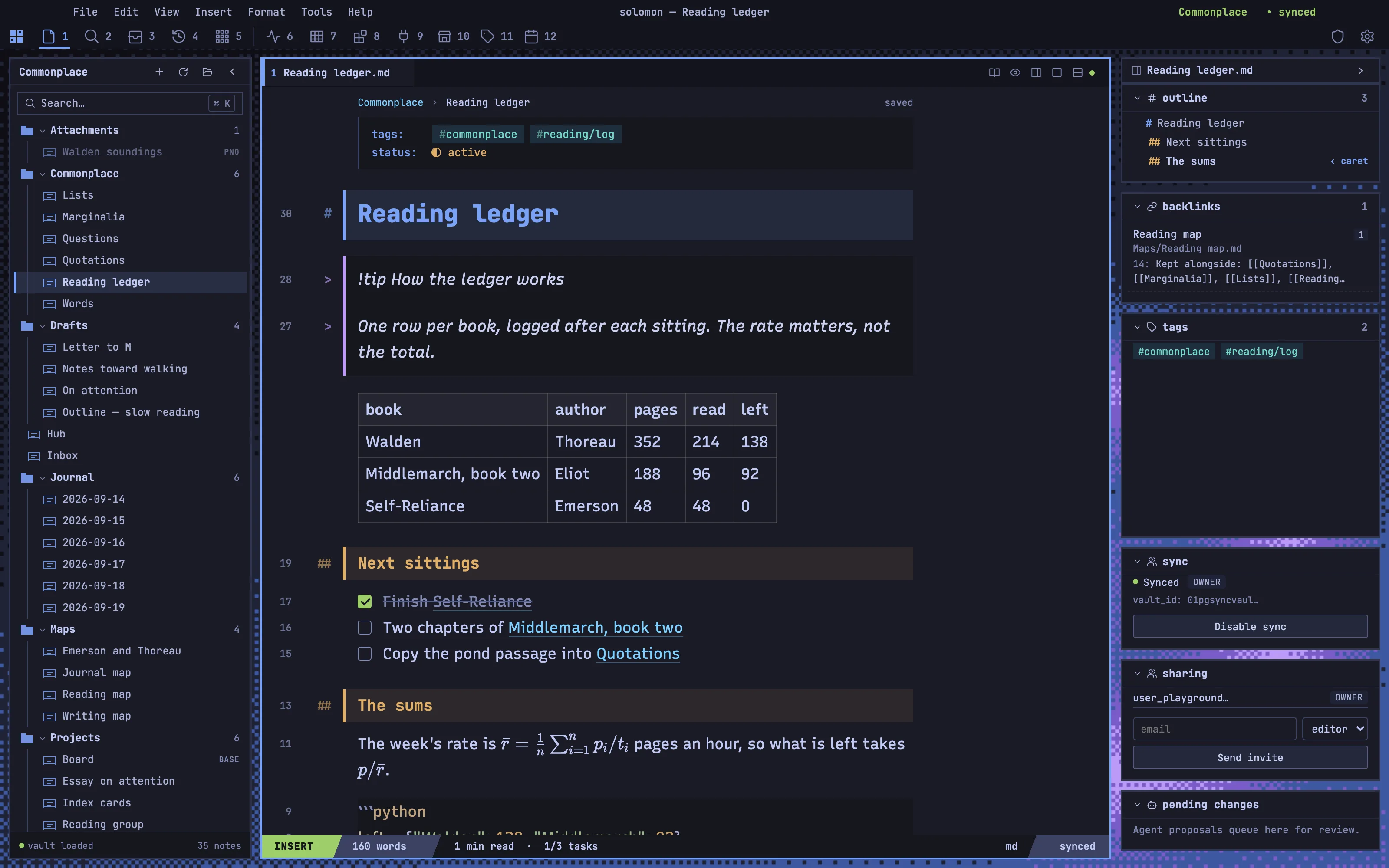
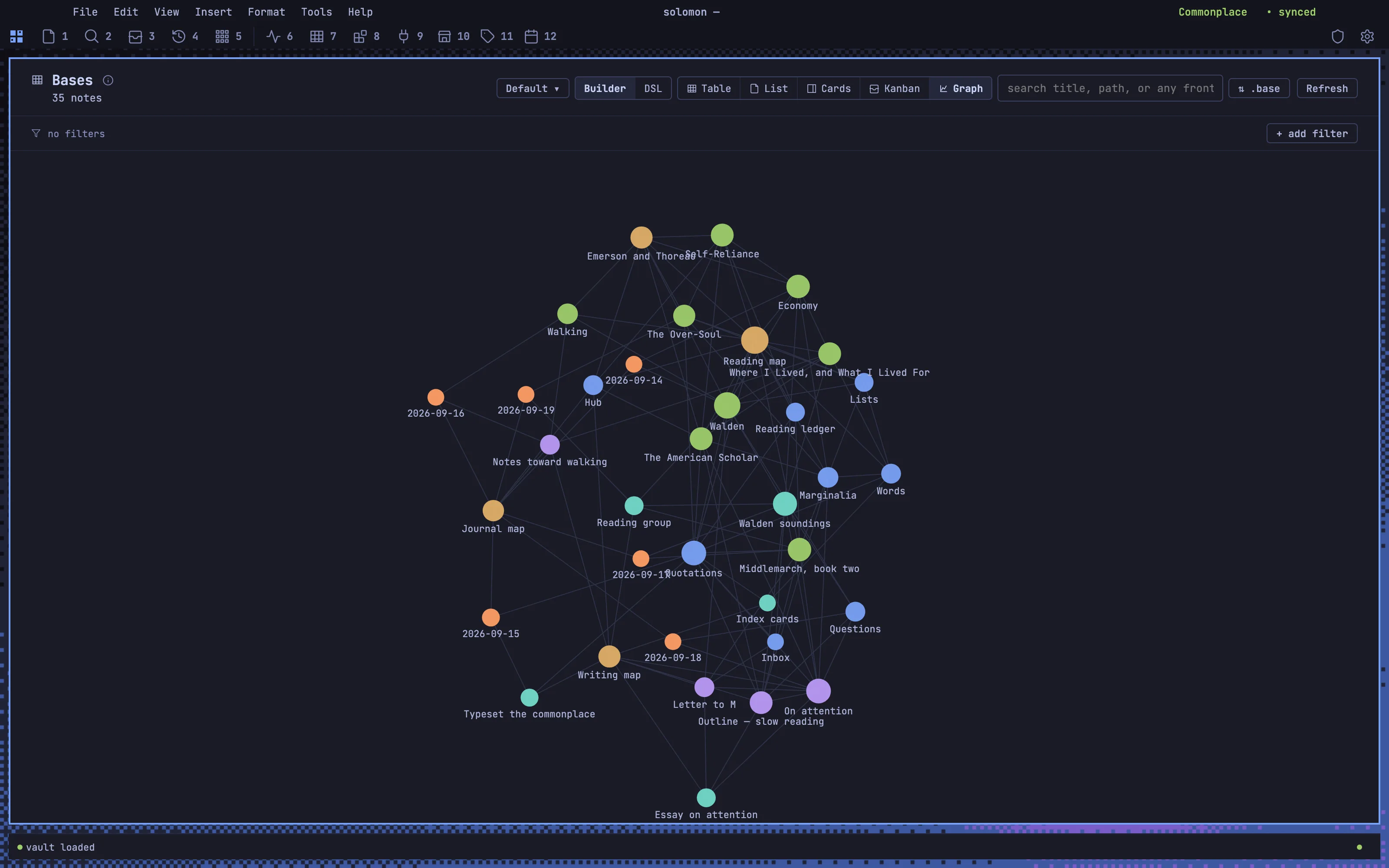
Solomon as a tiled Hyprland session in Tokyo Night: square-cornered windows with 2px borders and 10px gaps, a self-made dithered wallpaper glowing through the seams, the rail laid out as a waybar of numbered workspaces, and the focused note in the blue active border. The note reads like a Neovim buffer — relative line numbers, render-markdown heading bands, hanging marks, a powerline status row — but its body is set in Recursive's proportional sans, for prose rather than code.
Install it
- Open the Store from the left rail in Solomon (or press ⌘9) and choose Themes.
- Find Omarchy and click Install. It lands in your vault’s
Themes/folder. - Choose it under Settings → Appearance. The default look is one click away there too.
Solomon is a free download for macOS. Get the app
- Mode
- Dark only
- Type
- JetBrains Mono
- Recursive
- Palette
- Credits
- SIL Open Font License 1.1
Everything this package ships is either made for it or an SIL Open Font License 1.1 typeface. Nothing is fetched at runtime: the wallpaper and the fonts are bundled under assets/ and resolved against the theme folder. The palette follows Tokyo Night; no code, artwork or logo is taken from it.