§ the idea
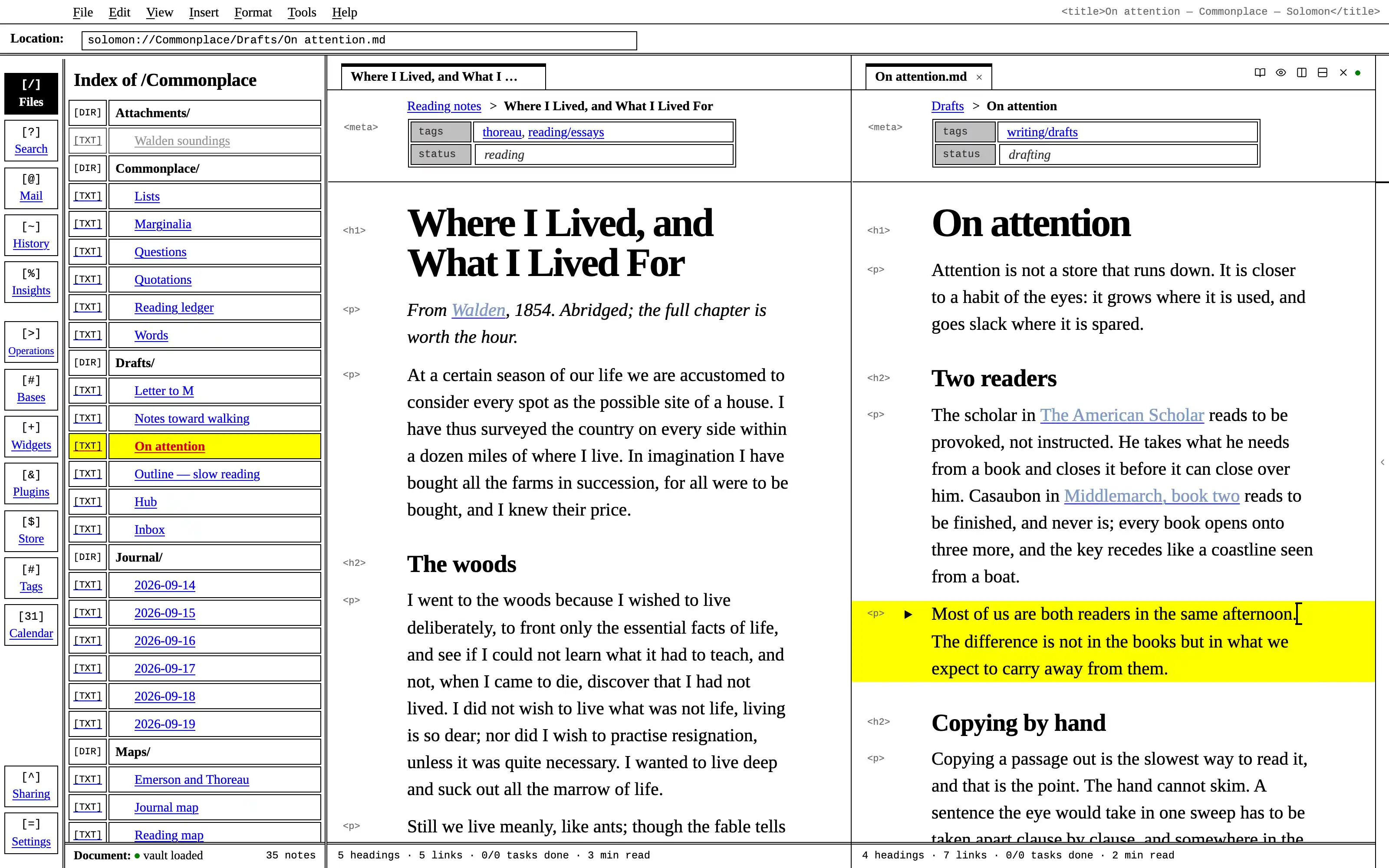
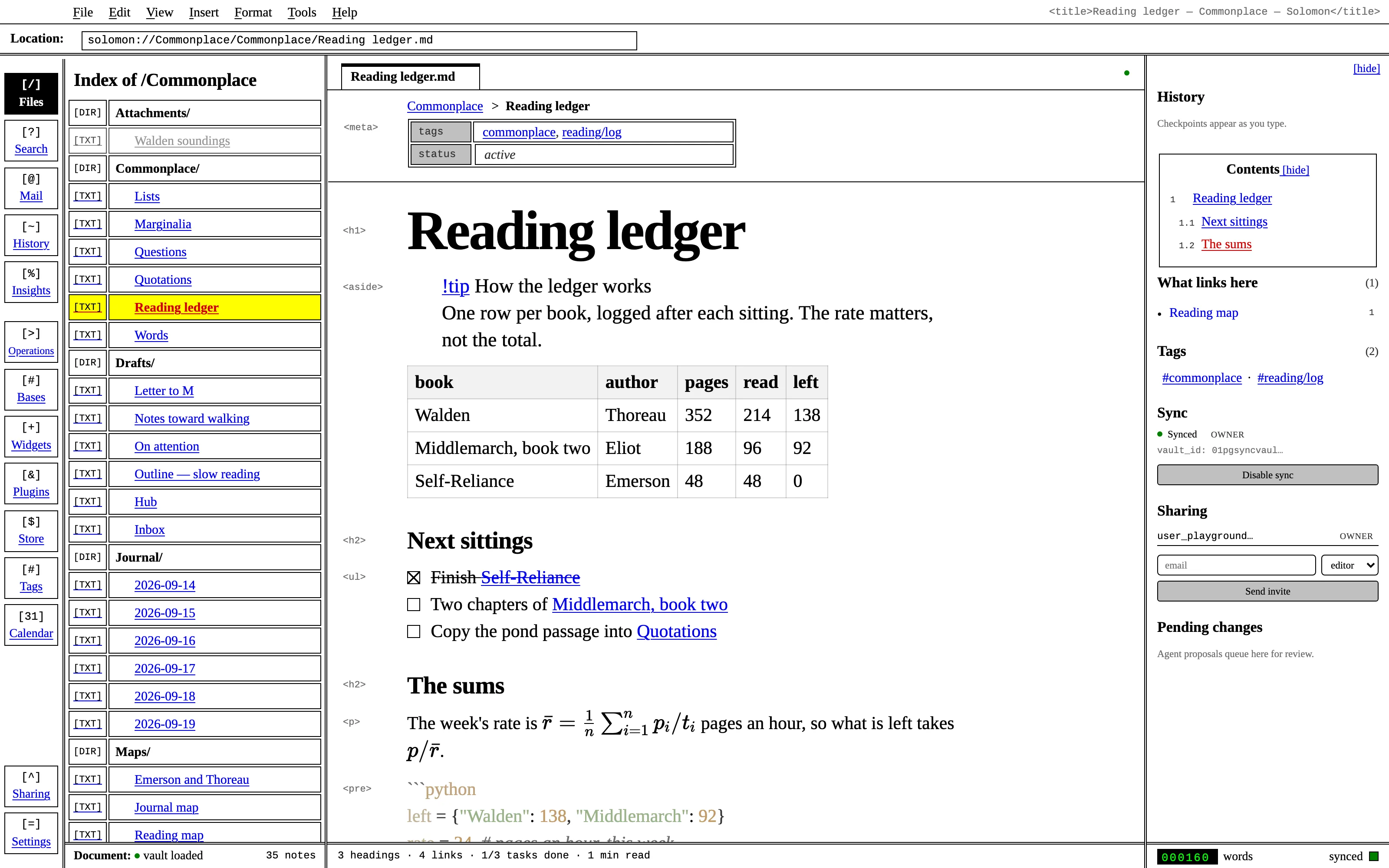
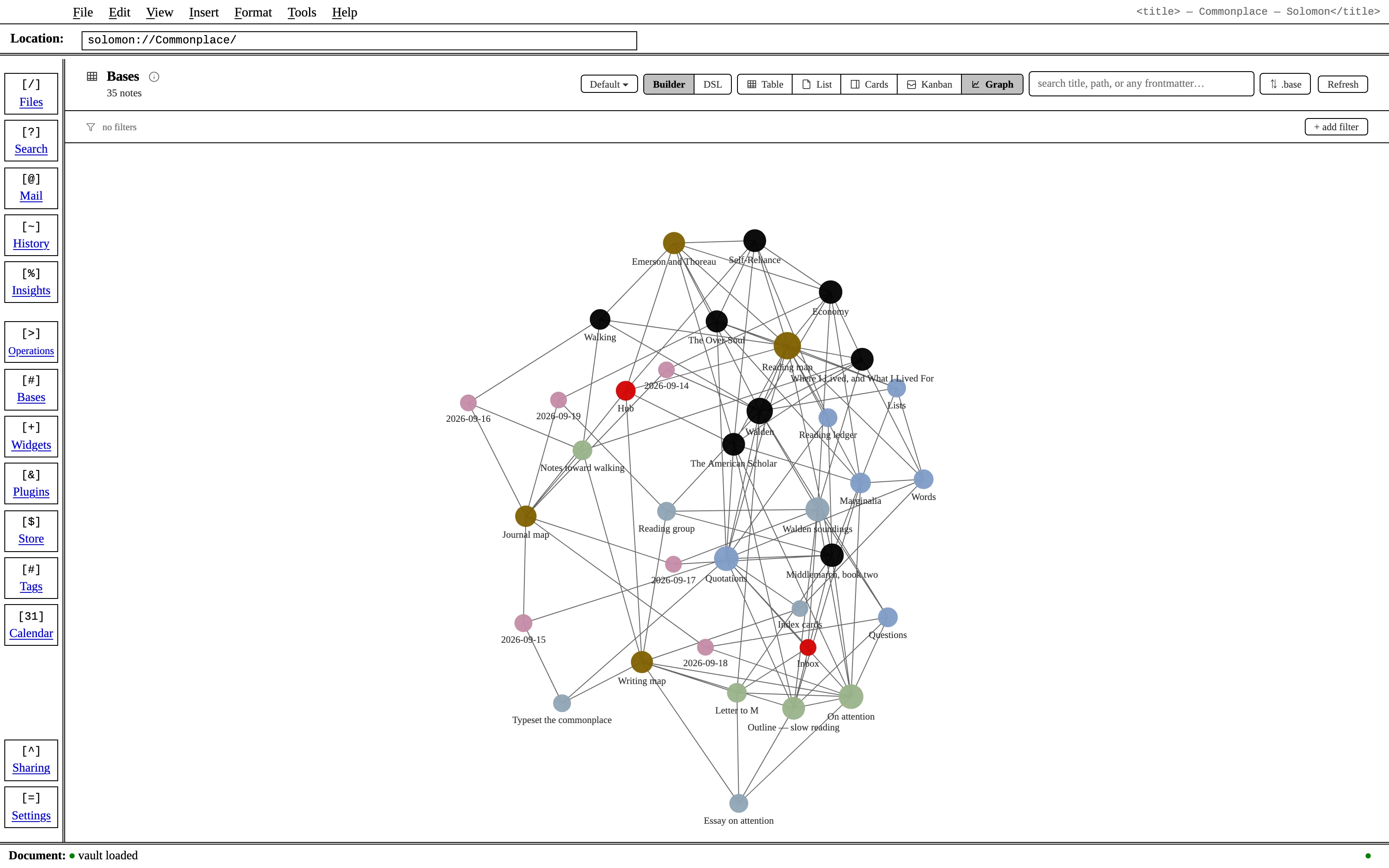
Solomon as an honest HTML 3.2 document: white paper, black rules, link blue and visited purple, Times and Courier — and the tags live preview hides, hung in the margin as <h1>, <p> and <blockquote>. No ambience, no image, no material: it is beautiful by refusing decoration.
Install it
- Open the Store from the left rail in Solomon (or press ⌘9) and choose Themes.
- Find Raw HTML and click Install. It lands in your vault’s
Themes/folder. - Choose it under Settings → Appearance. The default look is one click away there too.
Solomon is a free download for macOS. Get the app
- Mode
- Light only
- Type
- Tinos
- Palette
- Credits
- SIL Open Font License 1.1
This package ships no pictures at all — every rule, cell, checkbox, dot and triangle in it is CSS — and two SIL Open Font License 1.1 typefaces. Nothing is fetched at runtime: the fonts are bundled under assets/fonts/ and resolved against the theme folder.