§ the idea
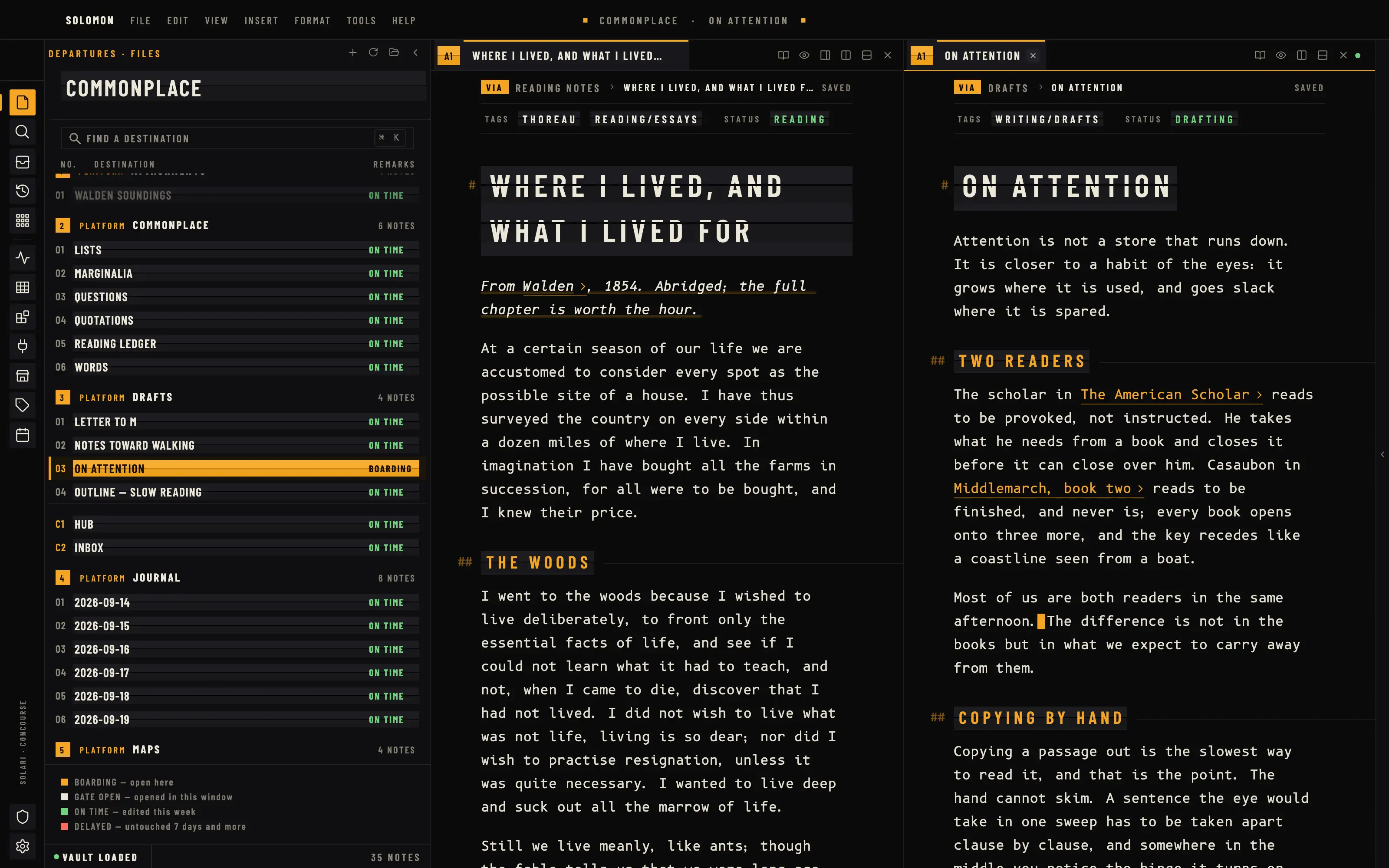
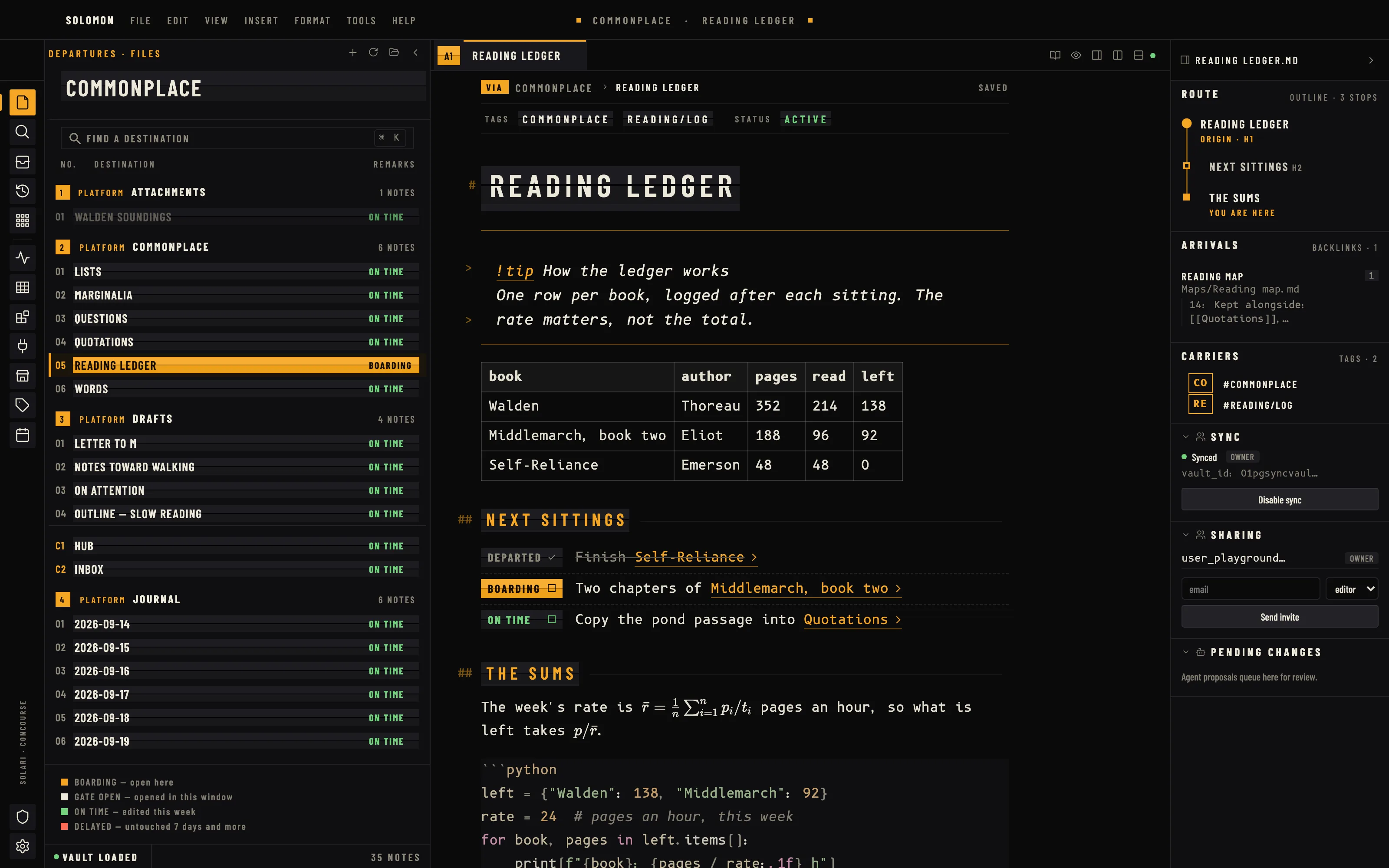
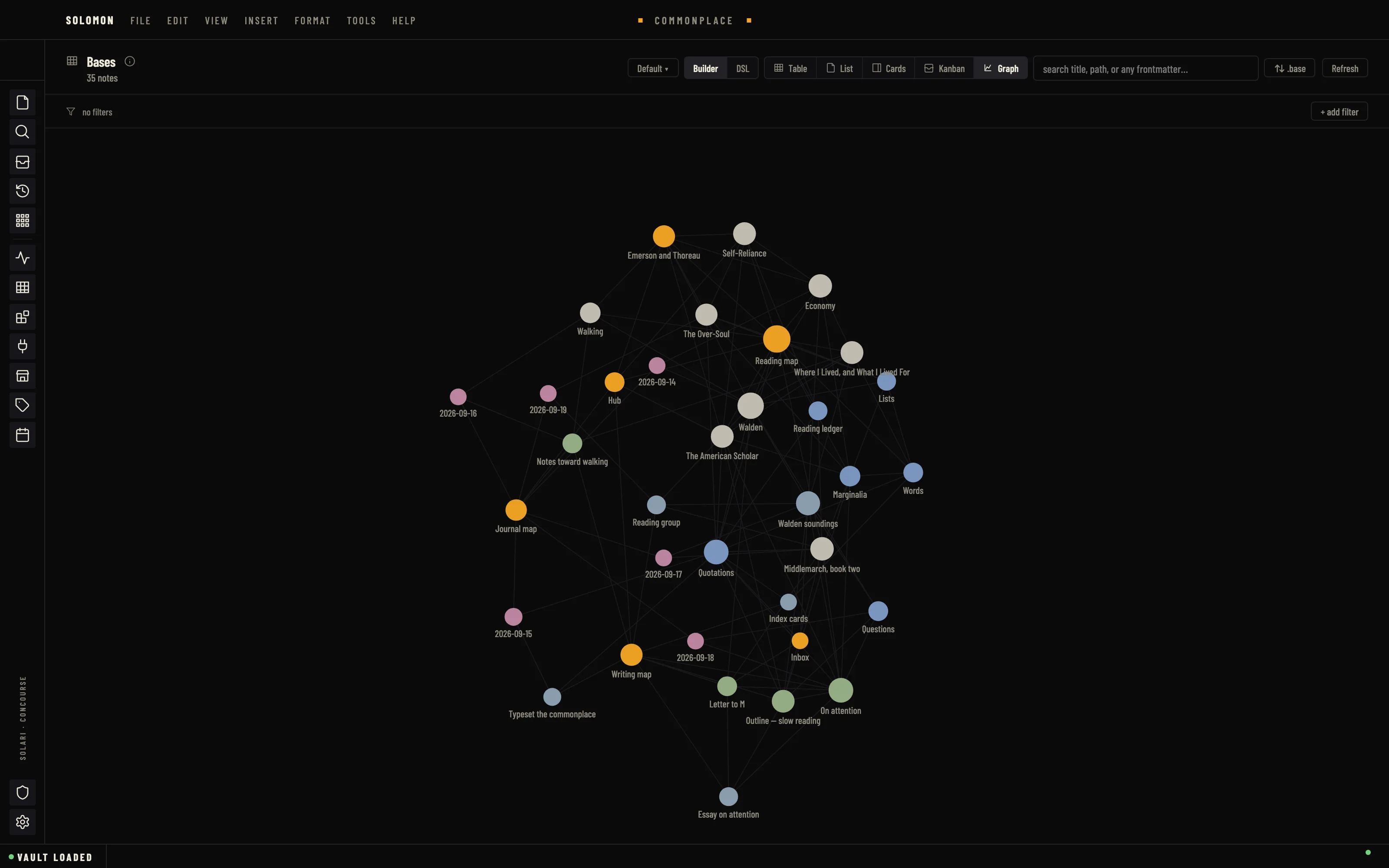
The vault as a departures hall at night. Every label sits on a split-flap blade in condensed caps, the open note is BOARDING in signal amber, the file tree is a timetable of platforms, headings are flap boards and the blockquote is a PA announcement, while the page itself is set in B612 Mono, the Airbus cockpit face, for hours of calm reading.
Install it
- Open the Store from the left rail in Solomon (or press ⌘9) and choose Themes.
- Find Solari and click Install. It lands in your vault’s
Themes/folder. - Choose it under Settings → Appearance. The default look is one click away there too.
Solomon is a free download for macOS. Get the app
- Mode
- Dark only
- Type
- Barlow Condensed
- B612 Mono
- Palette
- Credits
- SIL Open Font License 1.1
Solari ships no pictures. Every blade, hinge, swatch, route line and stop is drawn by the stylesheet itself from flat colour fields (CSS gradients and borders): the look is type, colour and geometry, not a simulated material. Nothing is fetched at runtime.