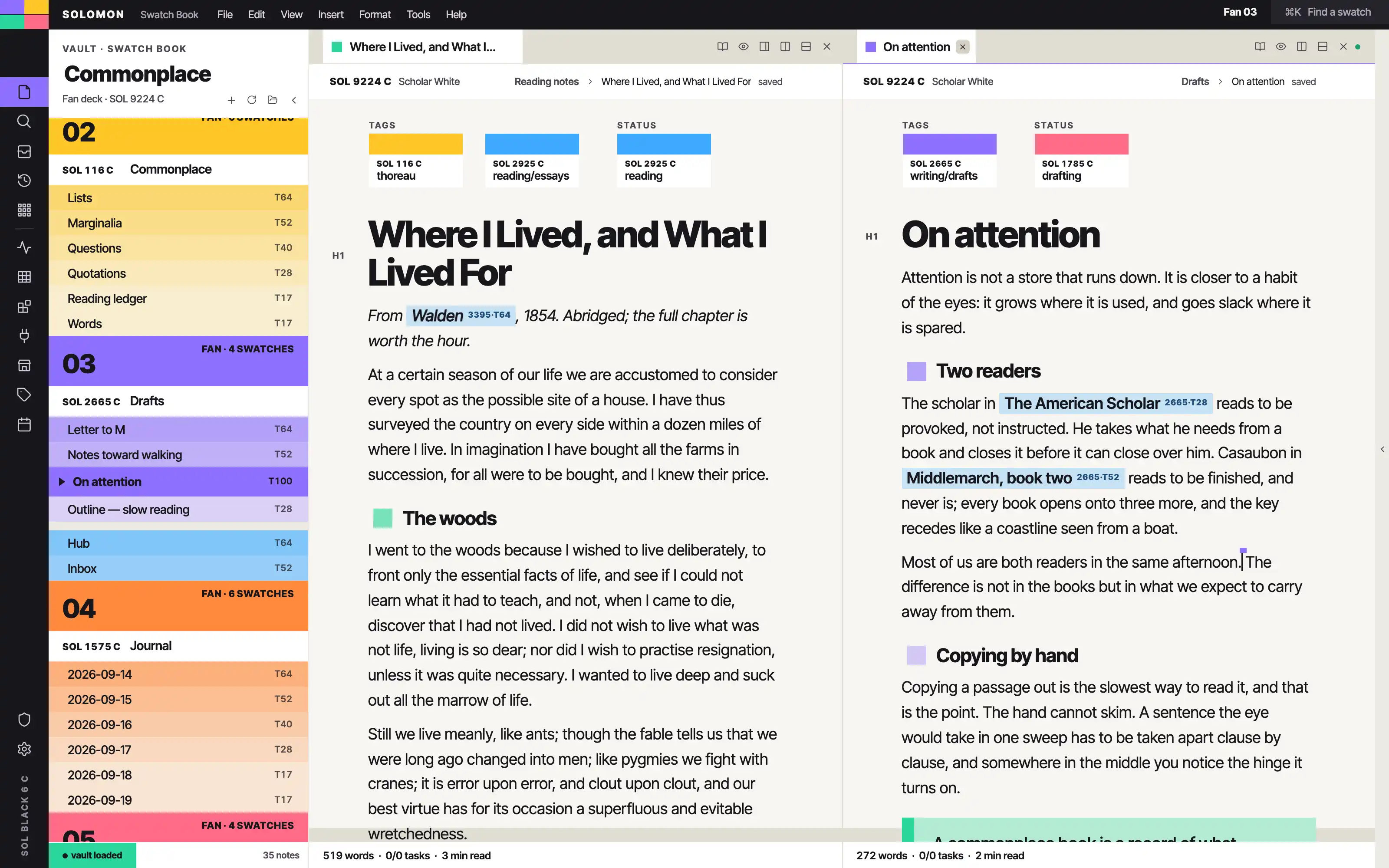
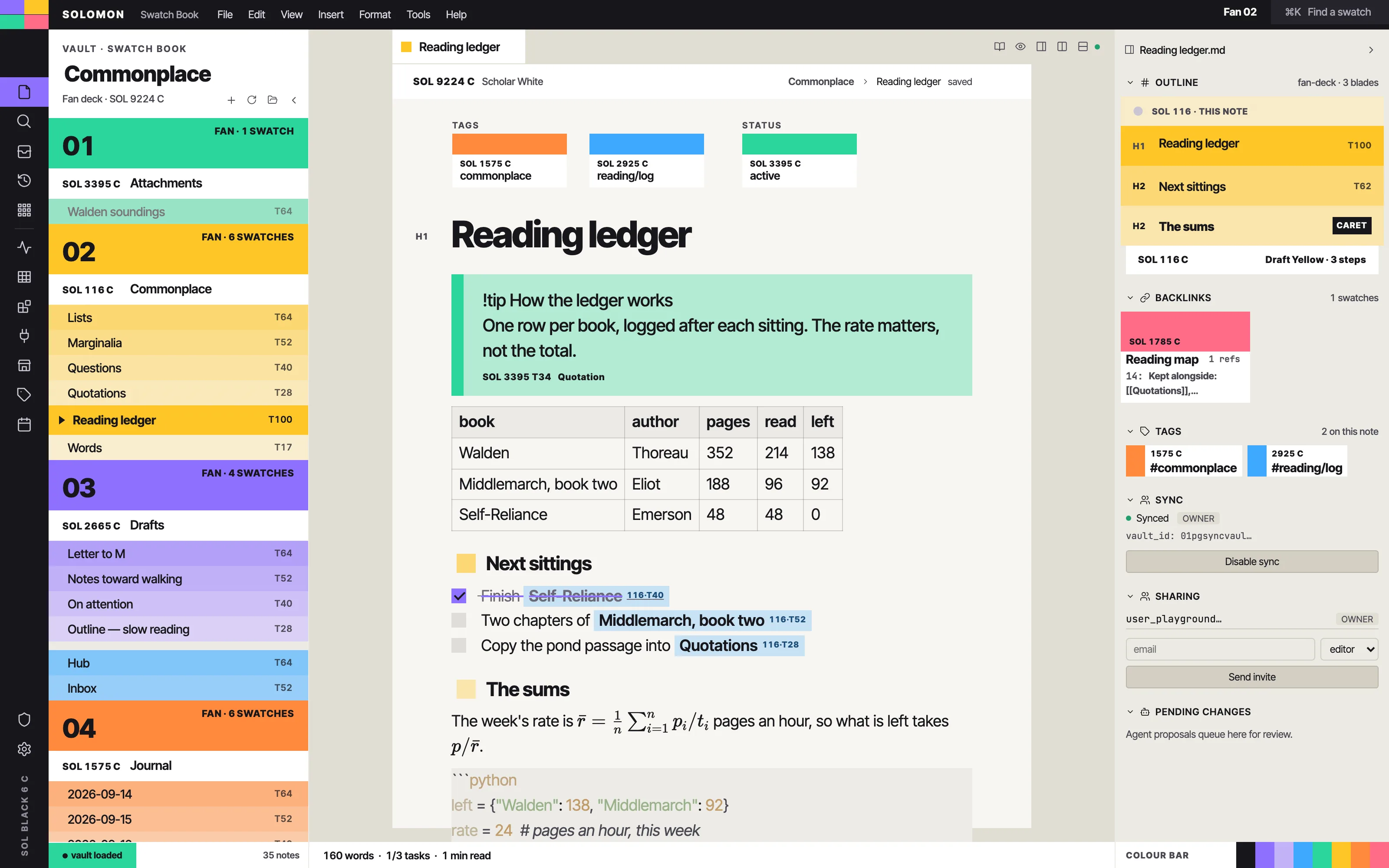
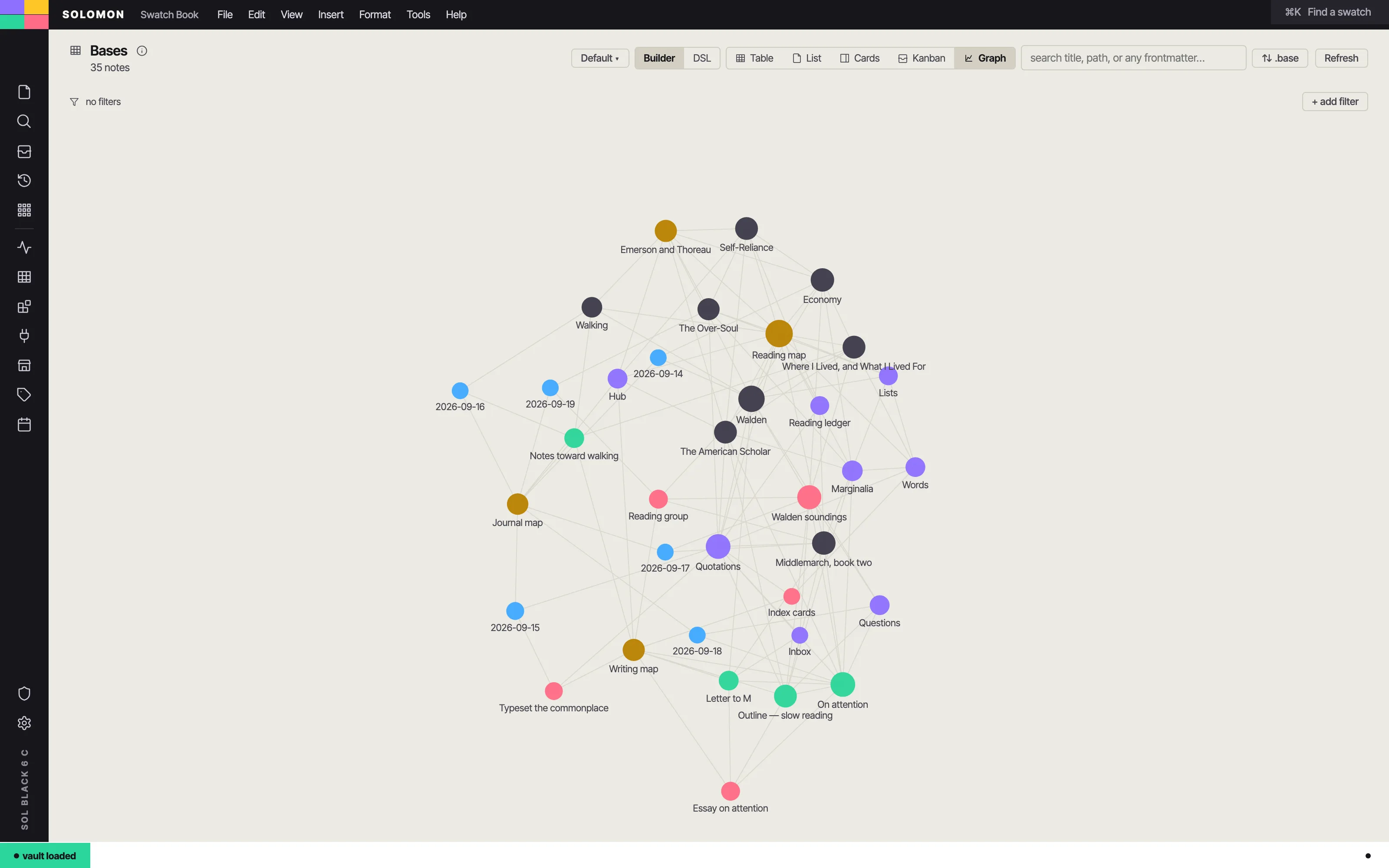
Your vault as a printer's colour-matching fan deck: every folder a full-bleed colour chip with a coded caption strip, every note a graded tint band on its folder's blade, and the open note one large off-white chip. Flat abutting colour and Inter Tight captions only — no outlines, no shadows, no textures.
Install it
- Open the Store from the left rail in Solomon (or press ⌘9) and choose Themes.
- Find Swatch Book and click Install. It lands in your vault’s
Themes/folder. - Choose it under Settings → Appearance. The default look is one click away there too.
Solomon is a free download for macOS. Get the app
- Mode
- Light only
- Type
- Inter Tight
- Palette
- Credits
- SIL Open Font License 1.1
This package ships no pictures. Every colour field, chip, band, swatch square and the colour-control bar is drawn in CSS from flat colour; the four-chip mark in the title band is four gradient stops. The "SOL" codes and colour names ("Lamp Violet", "Scholar White" …) are the theme's own invented vocabulary, in the manner of a printer's fan deck; they are not any colour-matching system's trademarks or values.