§ the idea
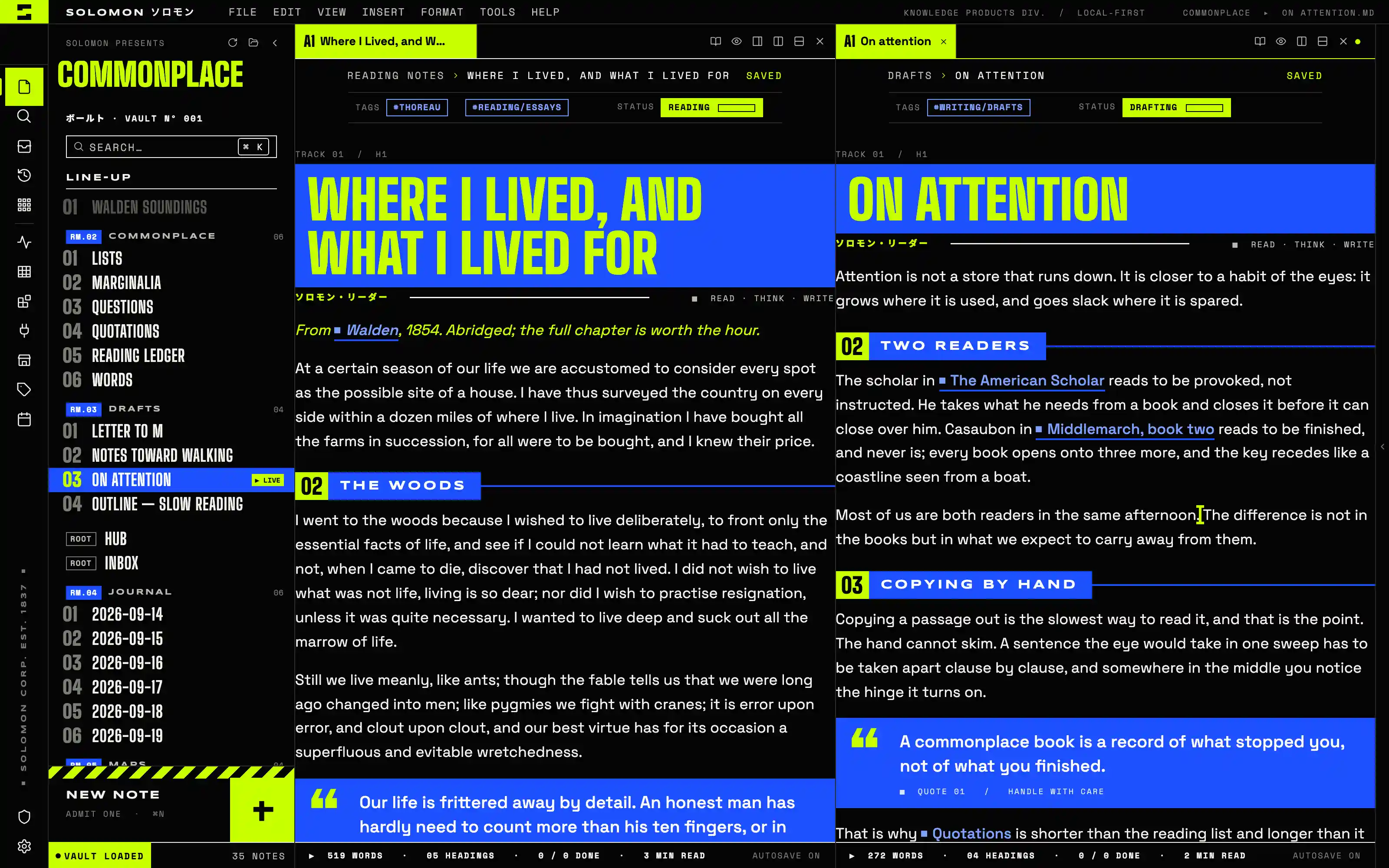
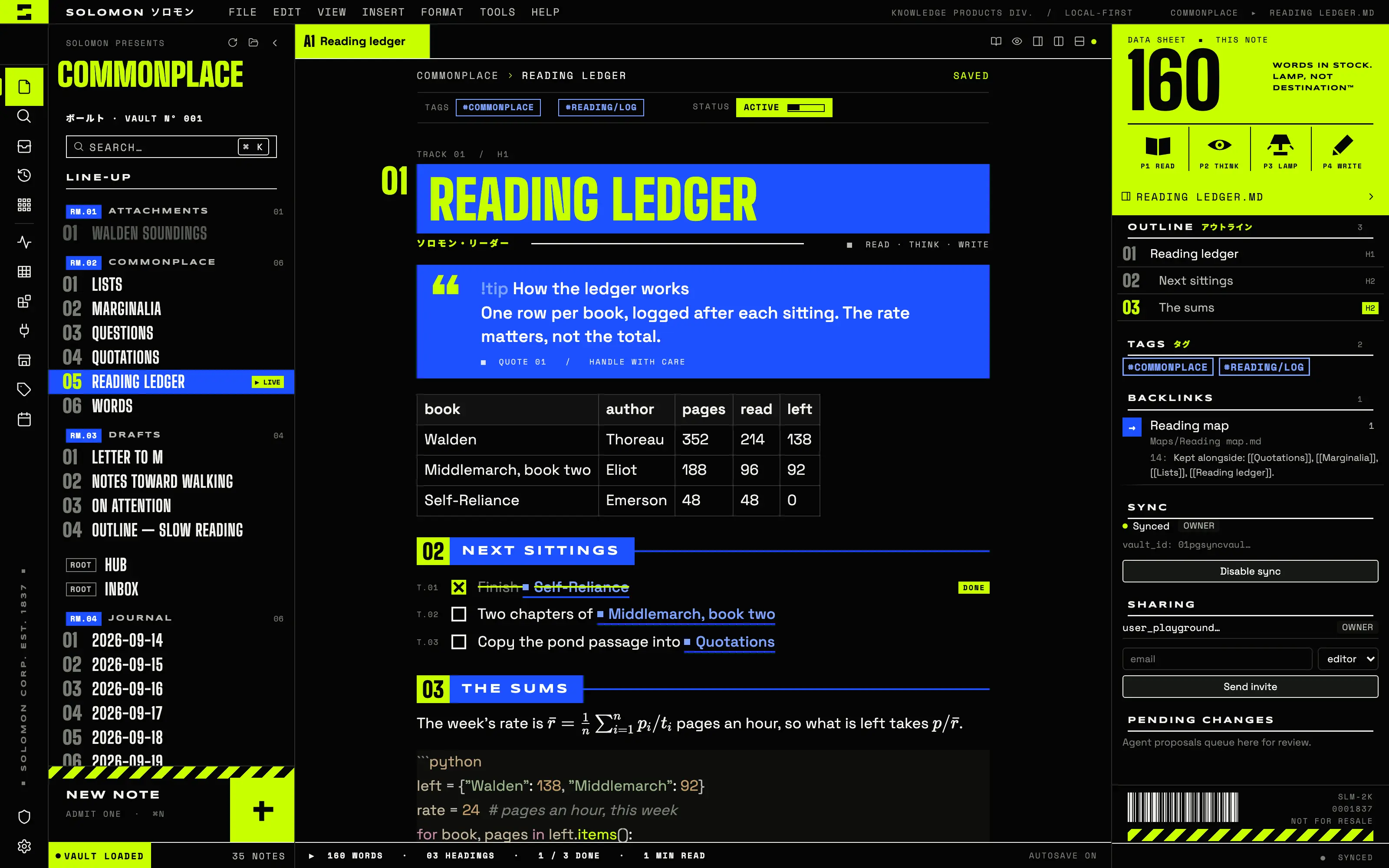
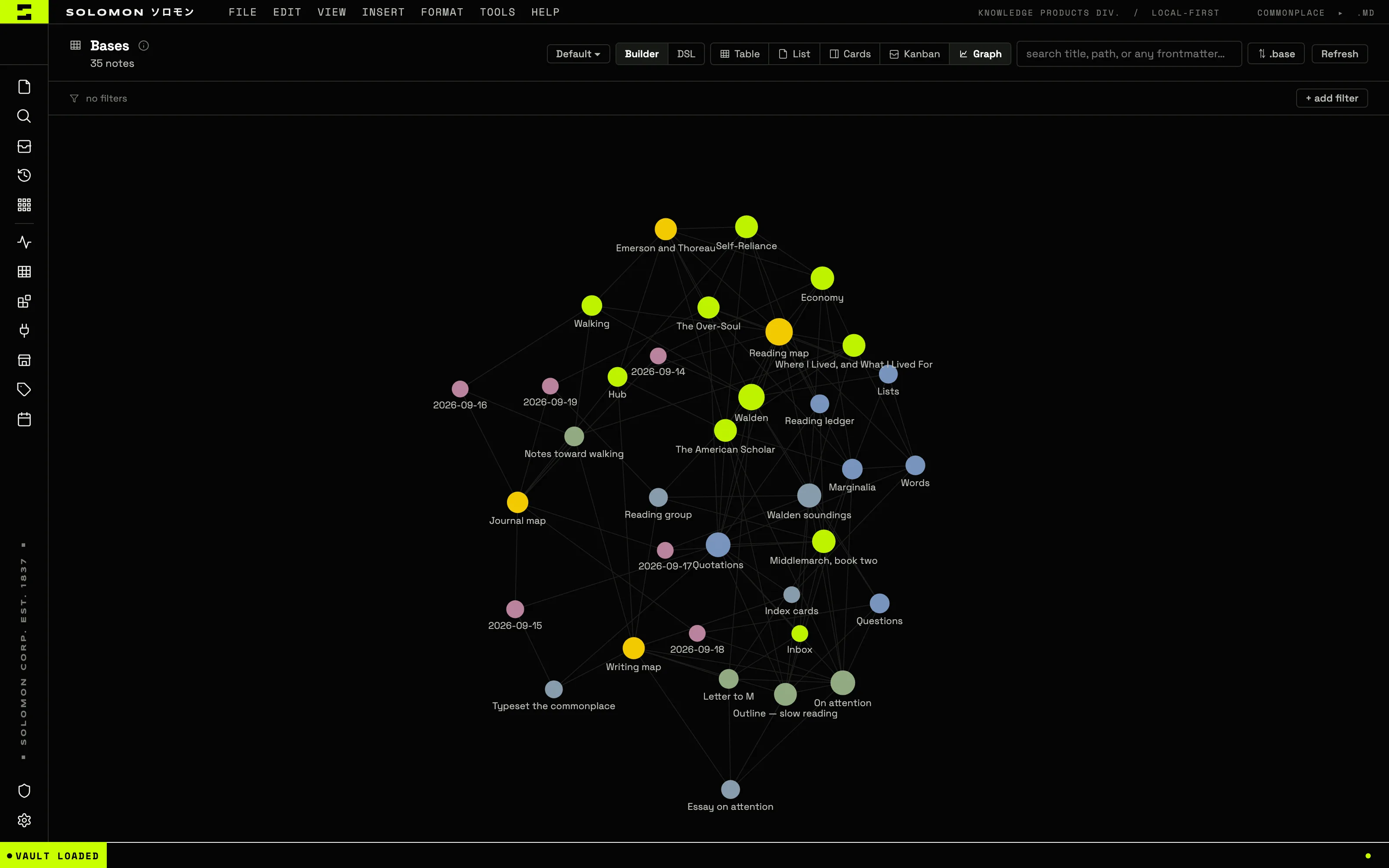
A 1999 rave flyer printed in the Designers Republic manner: acid lime and volt blue on black, headings knocked out of flat volt bars in ultra-condensed caps, the file tree a numbered line-up of tracks and the per-note panel a fake-corporate data sheet with a giant word count. Flat print only — no glow, no grain, every ornament typographic.
Install it
- Open the Store from the left rail in Solomon (or press ⌘9) and choose Themes.
- Find Y2K Acid and click Install. It lands in your vault’s
Themes/folder. - Choose it under Settings → Appearance. The default look is one click away there too.
Solomon is a free download for macOS. Get the app
- Mode
- Dark only
- Type
- Big Shoulders Display
- Space Grotesk
- Syncopate
- Palette
- Credits
- SIL Open Font License 1.1
- Apache License 2.0
Everything this package ships is either original work made for Solomon or a typeface under the SIL Open Font License 1.1 or the Apache License 2.0. Nothing is fetched at runtime: the fonts and the two pictures are bundled under assets/ and resolved against the theme folder.